

Video library module for Crm

Unlocking the Power of Video Library Modules in CRM Systems: A Comprehensive Guide
Explore how integrating a video library module within your CRM can revolutionize sales, marketing, training, and customer engagement. Discover use cases, benefits, implementation strategies, real-world success stories, and future trends in CRM video integration.
Introduction
In today’s digital-first business landscape, organizations are continually seeking innovative ways to strengthen customer relationships, accelerate sales cycles, and improve employee competency. One such innovation rapidly gaining traction is the integration of video library modules within Customer Relationship Management (CRM) systems.
Videos—ranging from product demos, tutorials, customer testimonials, to team training—offer an immersive, engaging experience that static text cannot match. Leveraging video assets directly inside the CRM transforms knowledge management, enhances onboarding, amplifies marketing, and personalizes interactions.
This blog delves deep into how the Video Library module can supercharge your CRM, providing actionable insights for IT decision-makers, sales leaders, marketing managers, support heads, and systems architects.
What is a Video Library Module for CRM?
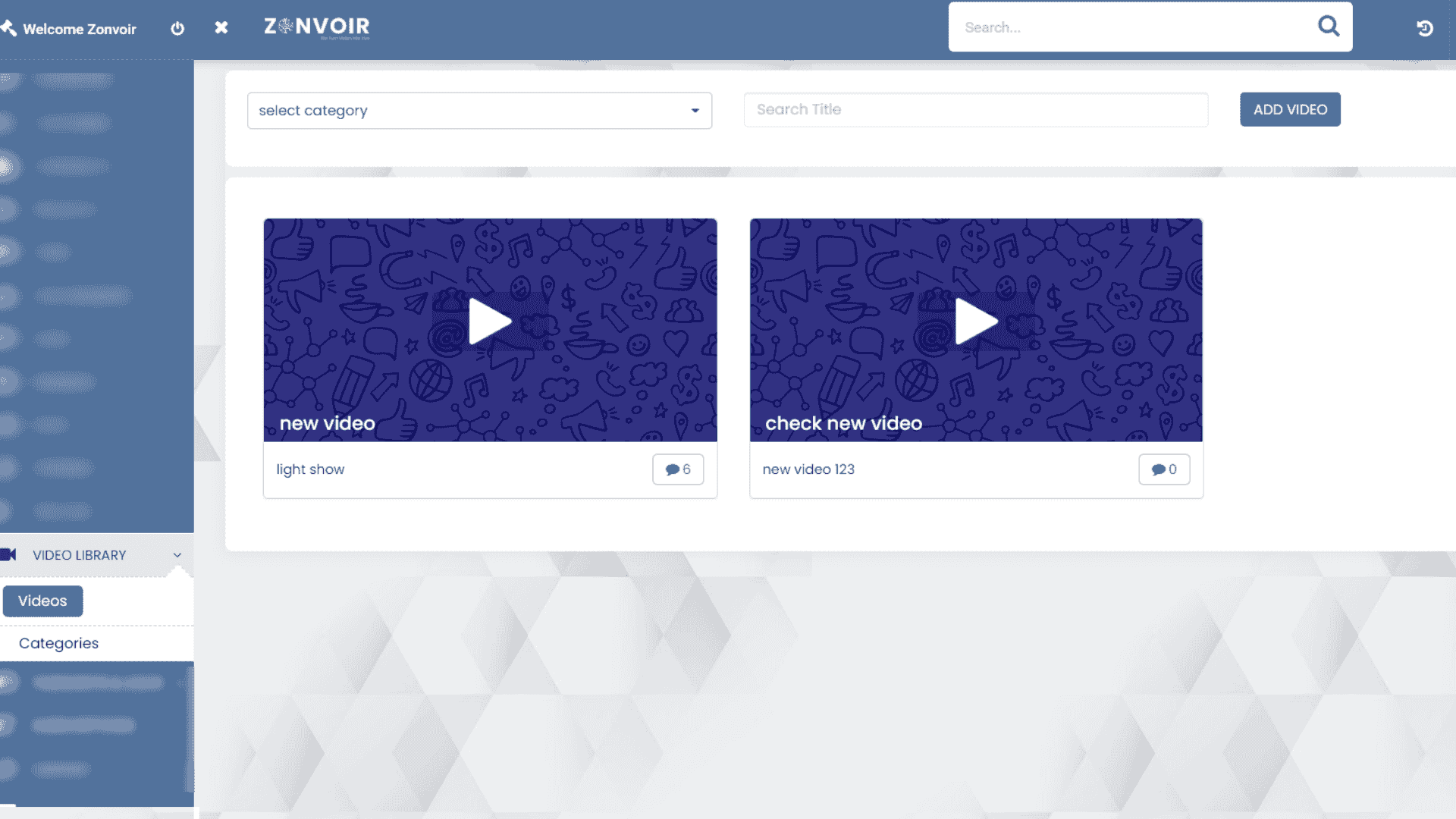
A Video Library module for CRM is an integrated or add-on solution that enables users to store, organize, view, and manage video content within their CRM platform. These modules offer seamless access to business-critical videos for employees and, in some cases, for customers via portals.
Unlike external storage platforms, an embedded video library connects content with customer records, sales pipelines, support tickets, and knowledge base articles. Integration ensures content is available where and when needed, enhancing the contextual relevance and usability for end-users.
Key Features of Video Library Modules in CRM
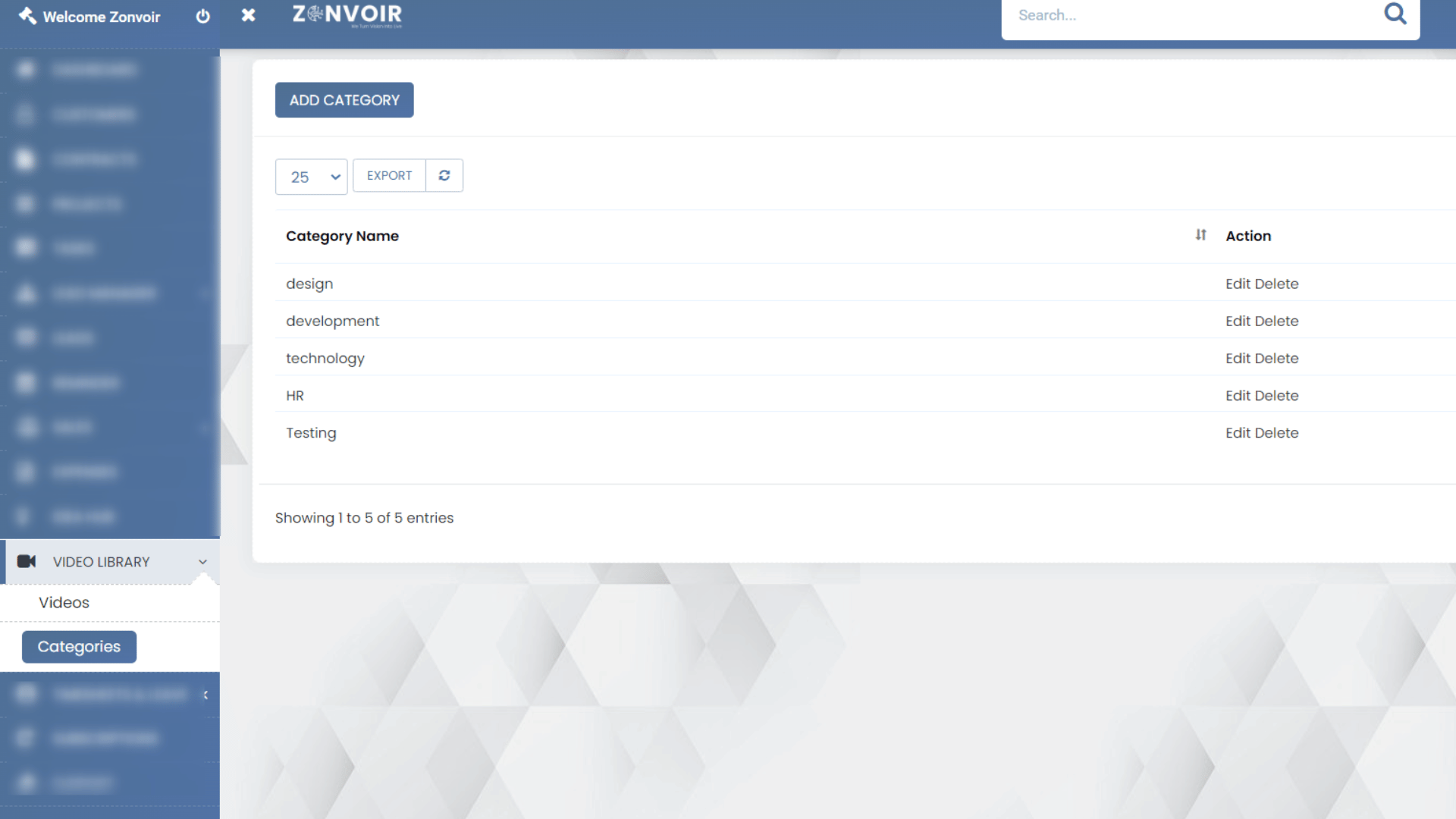
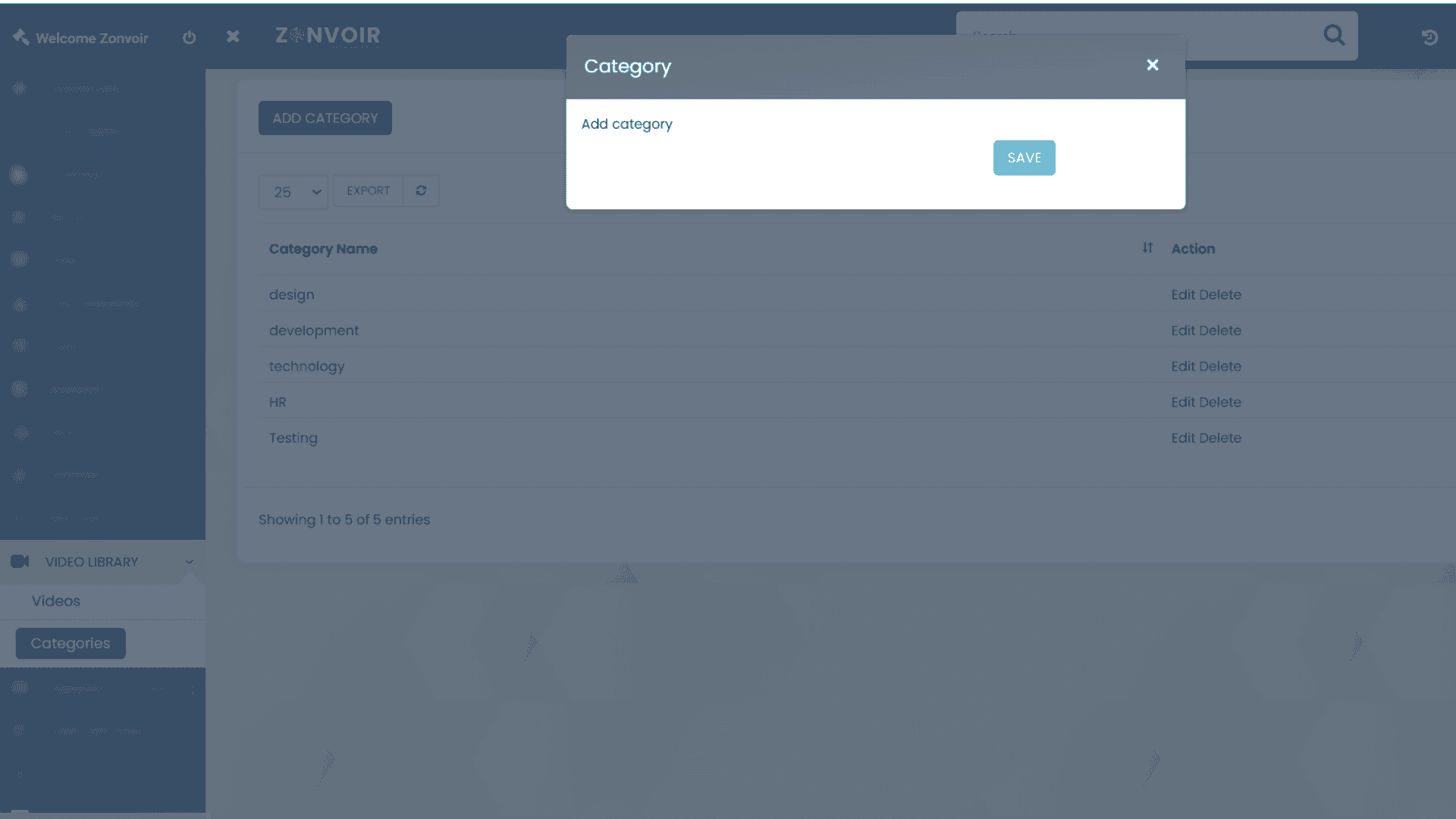
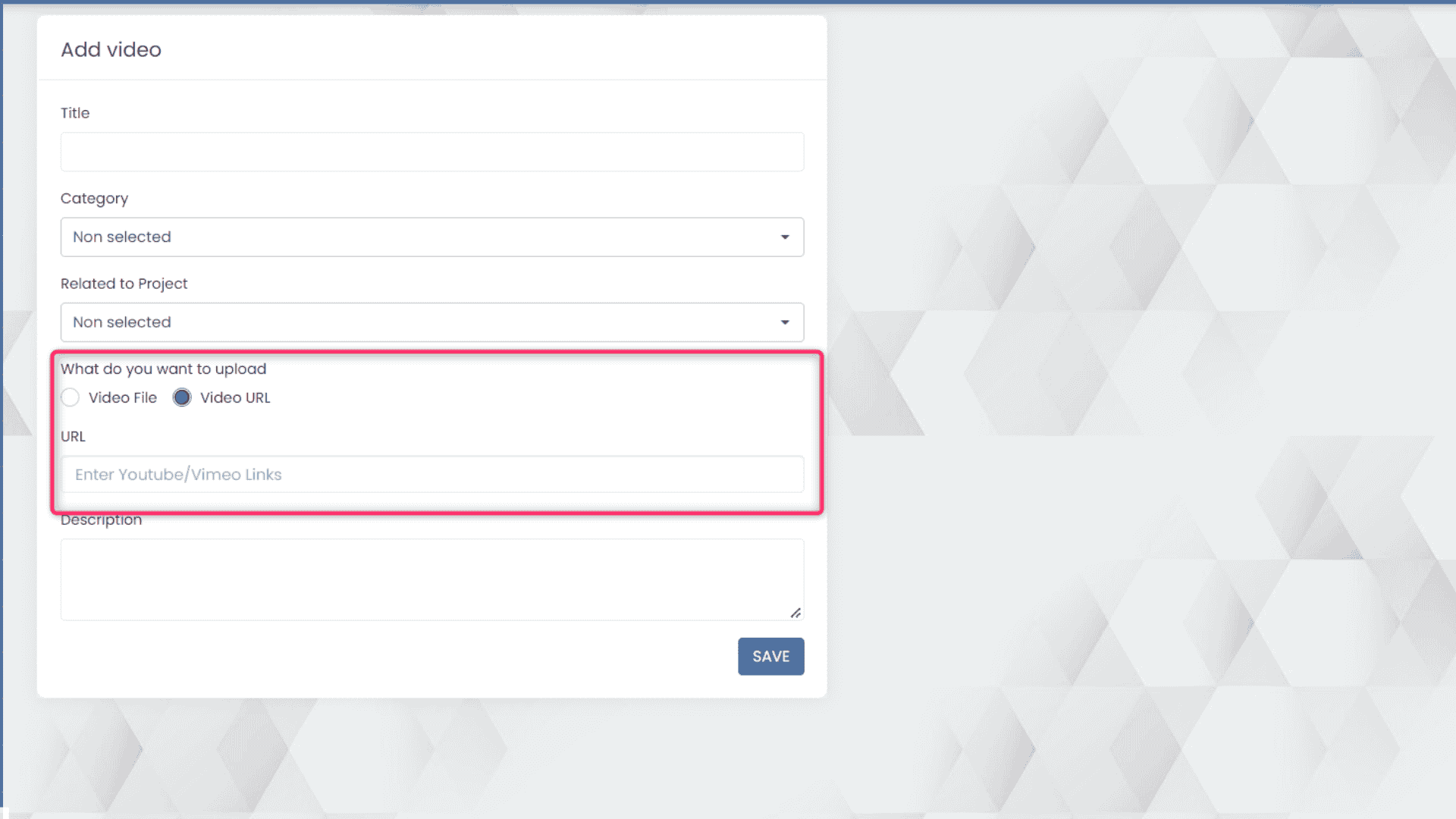
- Centralized Video Repository: Securely store various video formats with metadata, tags, and categorization for easy retrieval.
- Search and Filter Capabilities: Advanced search by title, category, creation date, usage context, and more.
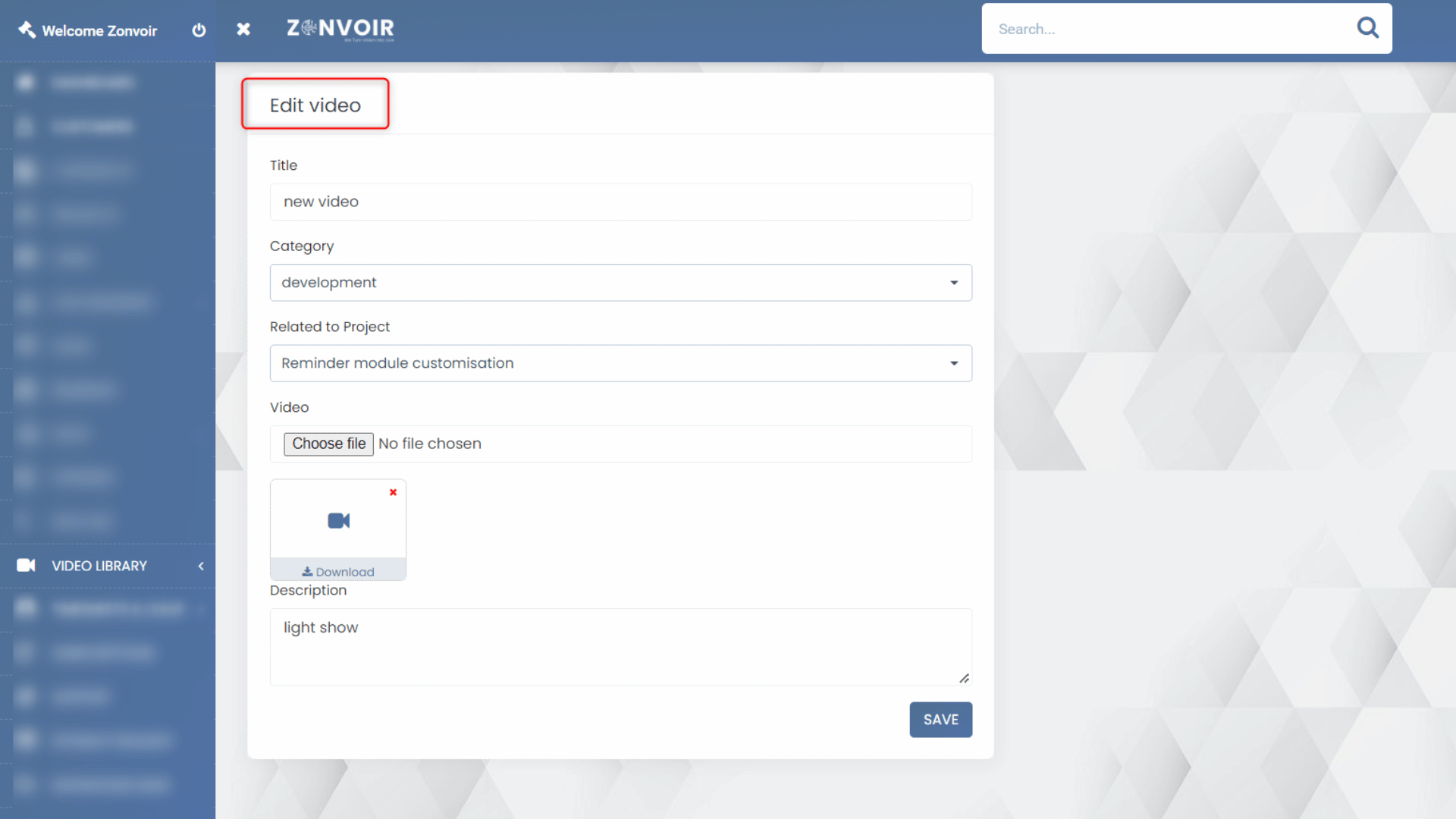
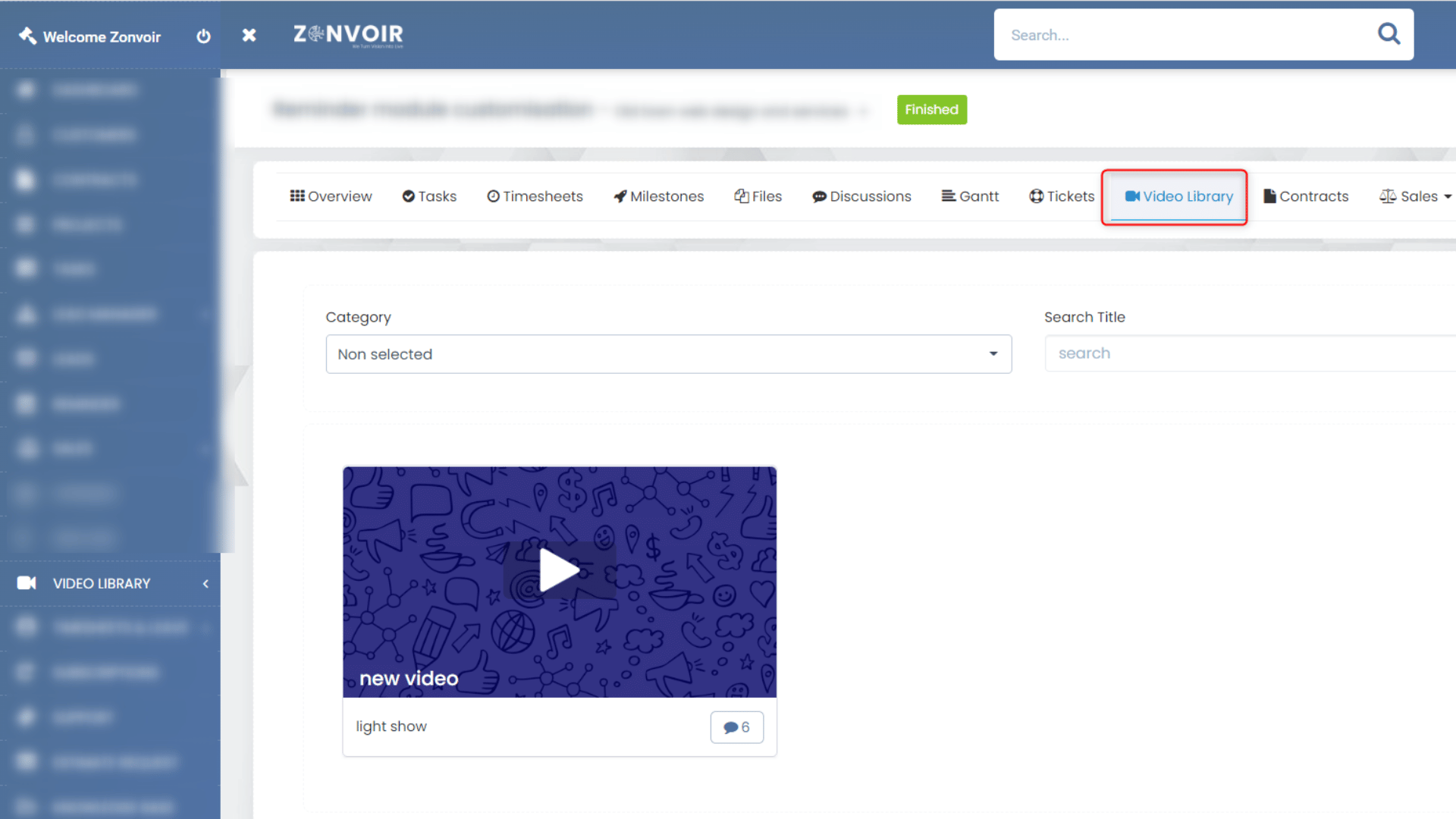
- Integration with Customer Records: Link videos to accounts, contacts, opportunities, cases, or campaigns.
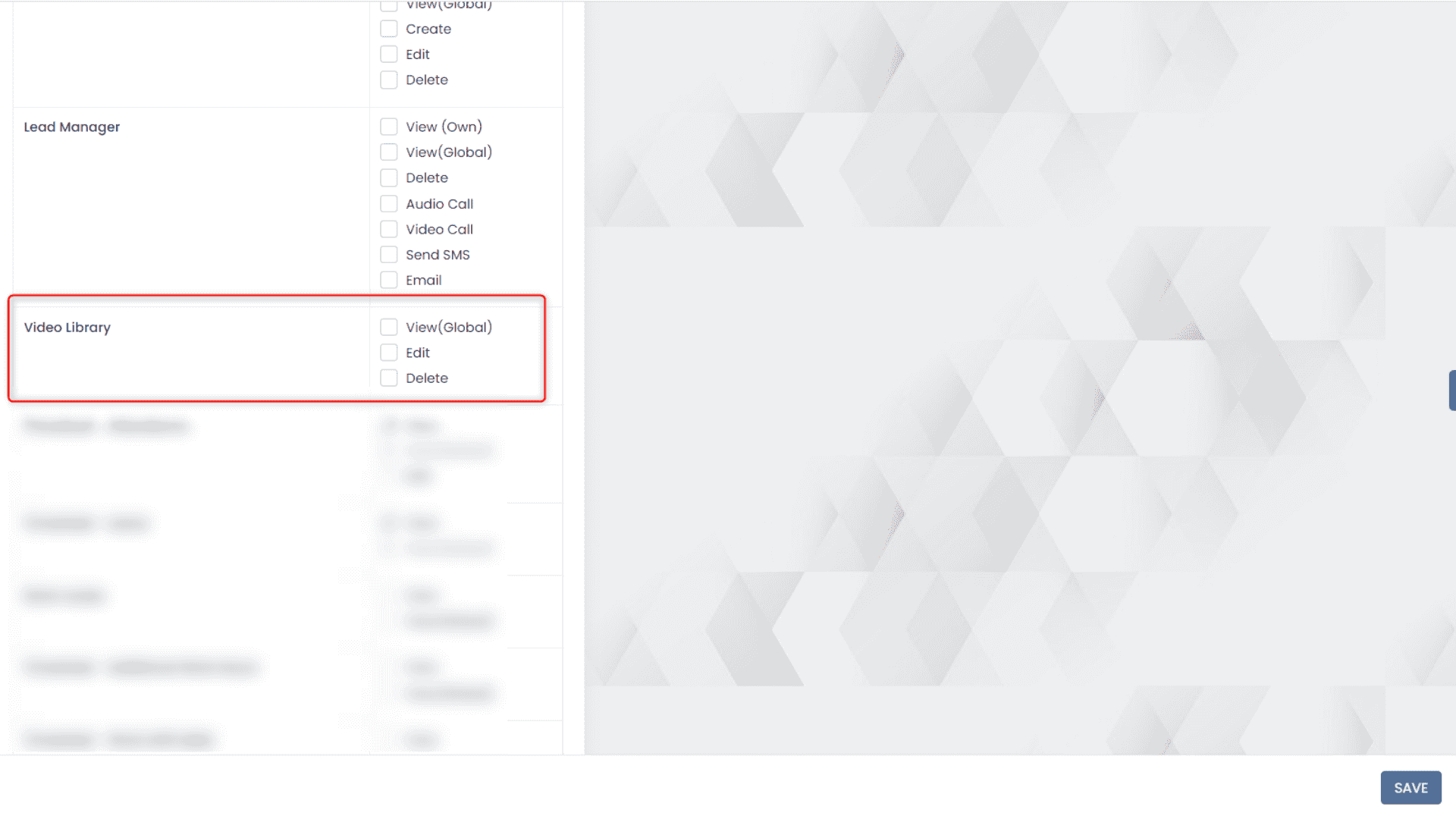
- Role-Based Access Control: Granular permissions to restrict access, sharing, and editing rights based on roles.
- Playback and Streaming: In-CRM video player supporting multiple resolutions, device optimizations, and bandwidth considerations.
- Analytics: Insights into views, engagement, and completion rates for each video to measure impact.
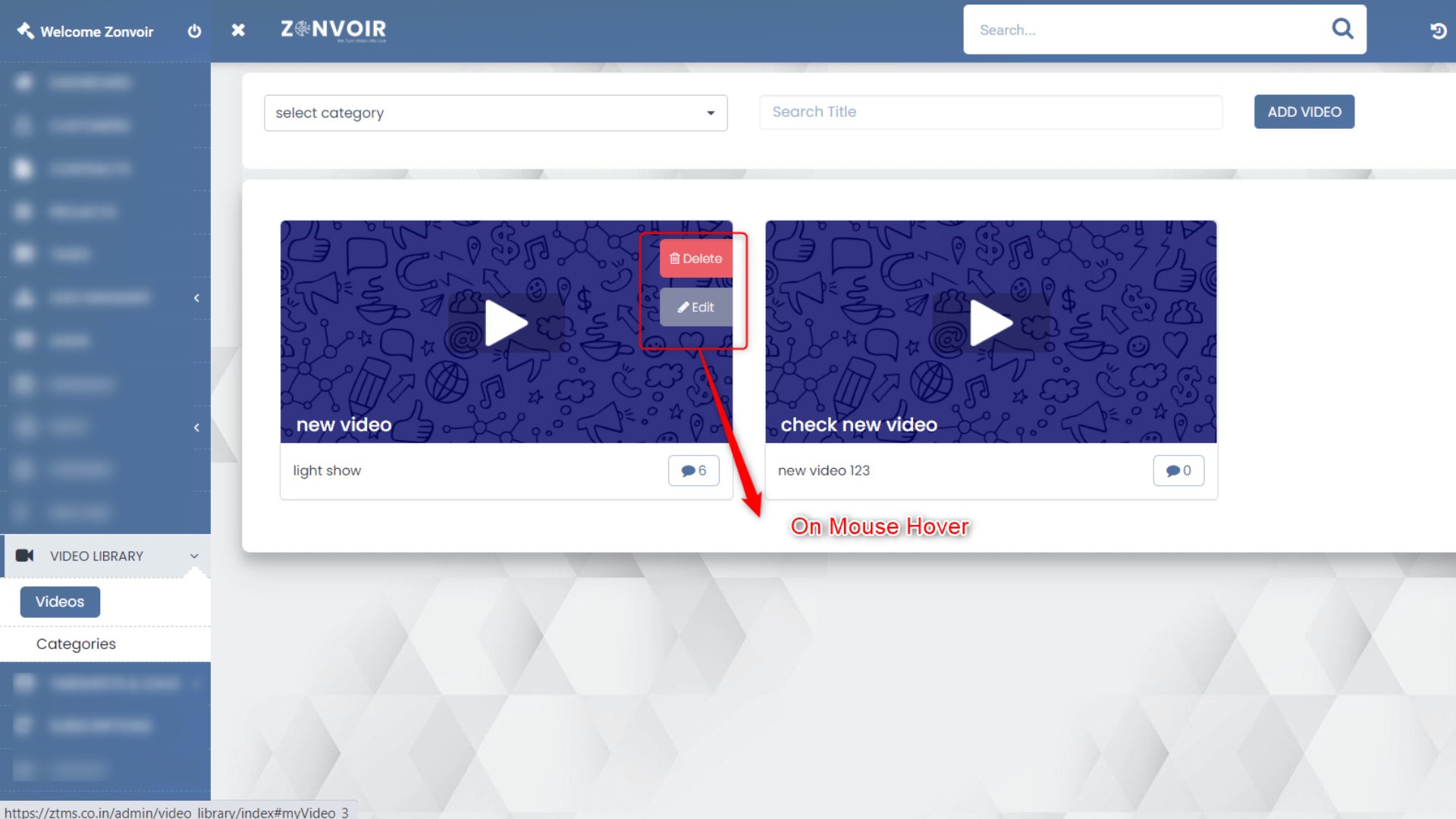
- Annotation and Comments: Allow team members to discuss, add notes, and provide feedback directly on videos.
- Integration with Email and Marketing Automation: Insert videos into campaigns, personalized emails, and automated workflows.
- Version Control: Manage updates, archiving, and restoration of video content.
- Mobile Access: Optimized access for sales or field teams on mobile devices.
Why Integrate Video Libraries with CRM?
The traditional approach to managing video assets—scattered across cloud drives, local folders, or external portals—creates silos, limits discoverability, and hampers contextual relevance. A video module within CRM streamlines information flow, boosts productivity, and unlocks new use cases:
- Accelerated Onboarding & Training: Deliver product tutorials, sales methodology, and compliance training directly via CRM, reducing ramp time for new hires.
- Enhanced Sales Enablement: Arm sales reps with instant access to demo reels, pitch recordings, competitive insights, objection-handling walkthroughs linked to opportunities.
- Improved Marketing Execution: Incorporate explainer videos and testimonials into campaigns, track engagement from CRM, and refine messaging with A/B tested content.
- Superior Customer Support: Attach solution videos, product guides, and troubleshooting walkthroughs to support cases to encourage self-service and quick resolution.
- Rich Customer Engagement: Use personalized video messages in outreach, renewal reminders, and milestone celebrations, all tracked and orchestrated by CRM workflows.
Use Cases for CRM Video Library Modules
Let’s explore practical scenarios in sales, marketing, support, training, and partner enablement where a video library supercharges a CRM system:
Sales Team Enablement
Scenario: The sales team attends live product launch webinars. Recordings are uploaded to the CRM’s video module and tagged by region, segment, and product.
Impact: Reps who missed the session or want a refresher can search by topic, view the recording, and bookmark key moments. Managers analyze which reps engaged deeply and correlate viewing with quota achievement.
Customer Support & Helpdesk
Scenario: A support ticket for a complex technical issue is opened. The agent attaches troubleshooting videos directly in the case record for the customer.
Impact: Customers resolve common issues faster, reduce dependency on live agents, and the support team can measure video effectiveness through CRM analytics.
Marketing Content Repository
Scenario: The marketing team produces explainer videos and stores them in the CRM. When sending nurture emails, marketers can easily embed the latest, most relevant videos based on customer profiles.
Impact: Videos maintain brand consistency, are always up to date, and engagement metrics are available for each campaign.
Training & Onboarding
Scenario: All new employees and channel partners receive CRM access with a curated set of onboarding videos to help them learn systems, processes, and compliance requirements.
Impact: Faster onboarding, repeatable process, and consistent information delivery company-wide.
Partner Enablement
Scenario: Channel partners log in to a shared portal with access to training, product update, and FAQ videos, all managed through the central CRM library.
Impact: Partners are empowered with resources, reducing support queries and enabling self-service.
Benefits of a Video Library Module in CRM
Let’s enumerate the distinct benefits organizations realize from robust video library integration:
- Improved User Engagement: Videos outperform text for retention and understanding, leading to higher engagement across teams and customers.
- Faster Knowledge Transfer: Video-based training accelerates learning compared to written documentation.
- Scalability: Consistent content can be delivered to thousands of users without scaling live sessions.
- Contextual Relevance: Videos placed where most needed—in sales records, support tickets—boost efficiency.
- Reduced Support Costs: Self-service videos decrease ticket volume and live call burden.
- Performance Analytics: Teams track usage, drop-off points, and video impact directly within CRM.
- Brand Consistency: Central storage ensures only current, approved videos are used in outreach.
- Enhanced Collaboration: Share knowledge across distributed teams, partners, and clients effortlessly.
How to Implement a Video Library Module in Your CRM
- Assess Requirements: Identify stakeholders, use cases, supported video formats, integration points, and compliance needs.
- Choose the Right Solution: Evaluate CRM-native video modules (if available) versus third-party integrations. Ensure support for your platform (Salesforce, Microsoft Dynamics, HubSpot, etc.), scalability needs, and future roadmap.
- Design Metadata & Tagging Standards: Plan for consistent categorization, detailed tagging, and search optimization.
- Map Permissions and Security: Define role-based access controls, sharing policies, and guest user capabilities.
- Migrate Existing Videos: Bulk upload and categorize legacy video assets. Ensure file formats, sizes, and content policies meet platform requirements.
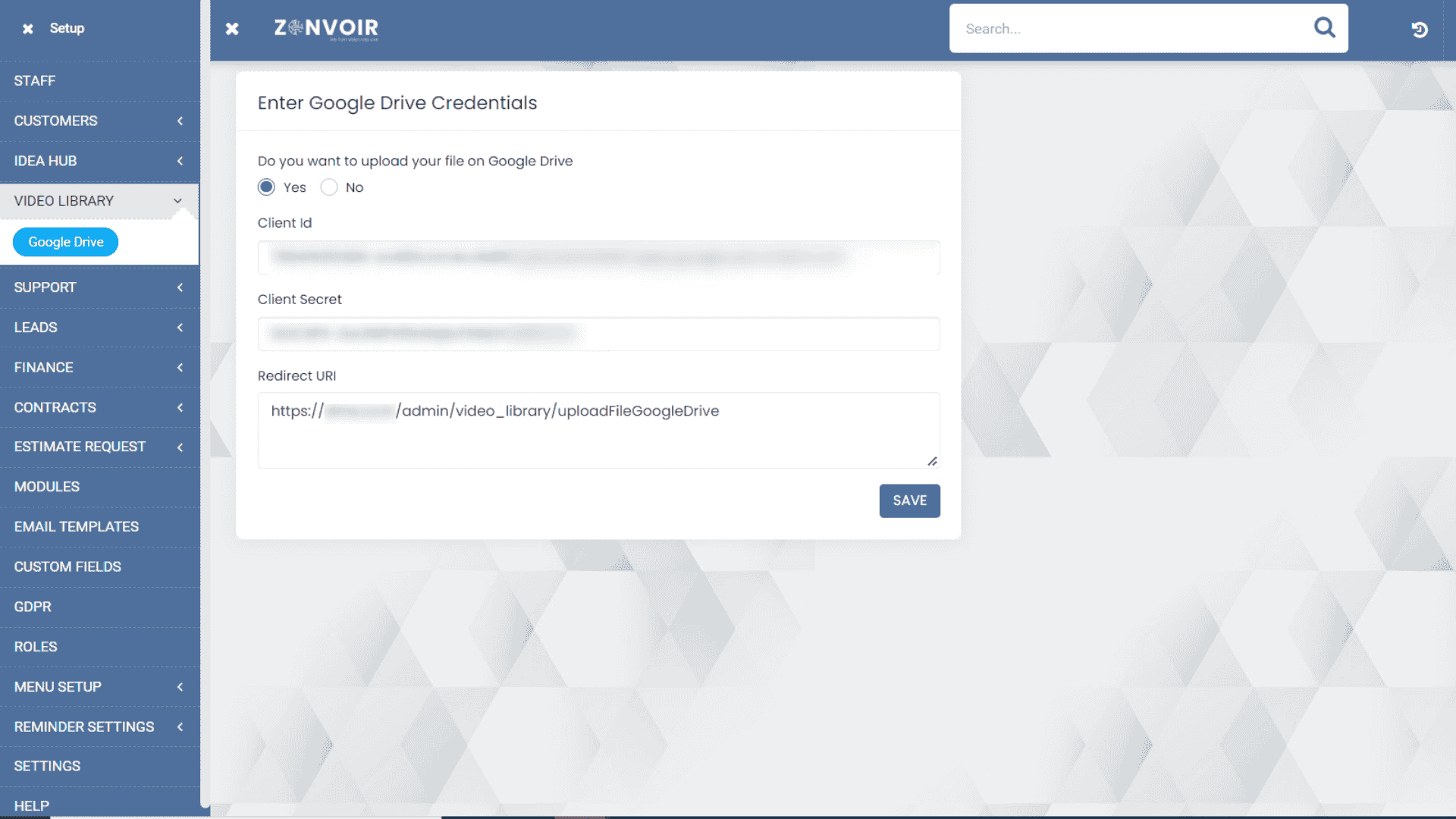
- Configure Integrations: Set up links with marketing automation, email delivery, portal access, LMS systems, and mobile clients.
- Pilot and Gather Feedback: Run a pilot in a small team, analyze usability, performance, and gather suggestions for improvement.
- Roll Out and Train: Conduct company-wide rollout, supported by training sessions and performance monitoring. Build continuous improvement feedback loops.
Challenges and Considerations for CRM Video Library Integration
- Storage & Bandwidth: Video files are large; ensure sufficient storage and streaming capabilities without impacting CRM performance.
- Compliance: Maintain GDPR, CCPA, and other privacy requirements for customer-related videos. Audit access and ensure secure storage.
- Content Management: Prevent outdated or duplicate videos, set review dates, and automate archiving processes.
- Searchability: Rely on effective tagging, descriptions, and integration with CRM’s global search functions.
- Mobile Experience: Optimize playback for field teams or mobile-centric users.
- User Adoption: Provide training and highlight benefits to overcome change resistance.
Measuring Impact: KPIs for CRM Video Library Success
Define clear metrics for ROI and ongoing improvement. Some key performance indicators (KPIs) include:
- Average Completion Rate: Are users watching videos to the end?
- Support Ticket Deflection: Number of tickets resolved via self-service videos.
- Sales Cycle Reduction: Are video-enabled sales interactions shortening deal cycles?
- Onboarding Time: Time for new users to reach proficiency after video-based onboarding.
- Customer Engagement: Views, clicks, and shares of customer-facing videos.
- Knowledge Base Adoption: Are users choosing video-based support over text-based guides?
Case Studies: Real-World Success of CRM Video Libraries
Case Study 1: SaaS Company Enhances Sales Productivity
AcmeTech, a global SaaS provider, integrated a video module into their CRM. Product demo videos, competitive battlecards, and pitch recordings were linked to sales opportunities.
Result: Sales reps reported 30% faster ramp-up times and a 15% increase in deal win rates, correlating video usage with sales performance.
Case Study 2: Customer Support Transformation
RetailAssist implemented video solutions explaining common product issues. Support tickets with embedded troubleshooting videos experienced 40% faster resolution, and customer satisfaction scores improved from 80% to 92%.
Case Study 3: Marketing Amplifies Engagement
FinServe ran video-rich nurture campaigns targeting segmented customers through CRM journeys. Email click-through rates increased by 25% and video engagement drove deeper persona insights for future campaigns.
Future Trends in CRM Video Library Modules
As technology evolves, video in CRM is poised for exciting innovations:
- AI-Powered Video Search: Deep learning enables indexing by spoken content, sentiment analysis, and automatic tagging.
- Personalized Video Messaging: Automated personalized outreach at scale, blending CRM data with dynamic video templates.
- Interactive and Shoppable Videos: Integrated calls-to-action and instant transactions within video players.
- 360-Degree & AR Content: Advanced product demos and immersive interactions.
- Automated Transcriptions & Translations: Making content accessible across geographies and compliance needs.
- Mobile-First Design: As sales and support go remote, expect even more powerful mobile video integration.
Conclusion
Video library modules have transformed the way organizations leverage CRM platforms for sales enablement, marketing outreach, customer service, and employee training. By centralizing, organizing, and integrating video assets, businesses gain efficiency, deliver richer customer experiences, and boost bottom-line results.
For companies yet to adopt video-rich CRM modules, the time to act is now. Assess your requirements, choose the right integrations, and start driving measurable impact with engaging, actionable video content.
Build a Clear Roadmap to Online Growth
Build a Clear Roadmap
Optimize Your Strategy
Thrive with Data
Thrive with Data
Thrive with Data
Thrive with Data
Thrive with Data

Thrive with Data
Thrive with Data
Thrive with Data
Thrive with Data

