

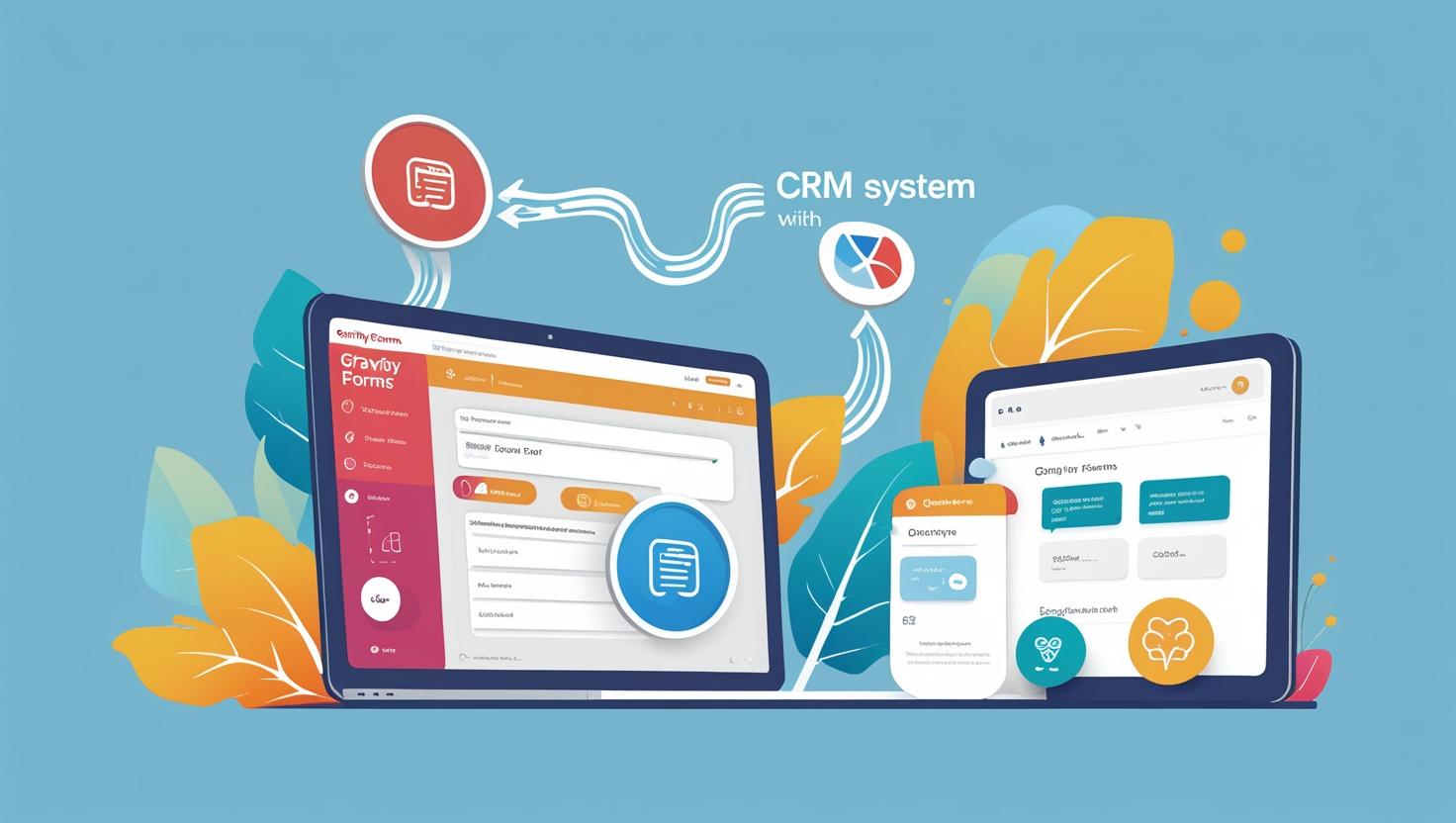
🔗 Gravity Forms + CRM Integration: A Seamless Lead Management Solution for Modern Businesses
In today’s digital-first world, collecting customer data through your website is just the beginning. The real magic happens when that data flows directly into your CRM system—triggering sales workflows, follow-ups, and conversions.
If you’re using Gravity Forms on your WordPress website, integrating it with a CRM like Zoho, Salesforce, HubSpot, or others can streamline your entire lead generation process.
At TT INFOTECHS, we help businesses—especially in manufacturing, healthcare, real estate, and education—unlock the power of Gravity Forms + CRM automation to improve sales efficiency and customer experience.
✅ What is Gravity Forms CRM Integration?
Gravity Forms is one of the most powerful form builder plugins for WordPress. It lets you create dynamic contact forms, quote request forms, job applications, surveys, and more.
With CRM integration, every form submission is:
- Automatically sent to your CRM
- Mapped to the right fields (Name, Email, Product Interest, etc.)
- Assigned to the right sales or service rep
- Tracked and followed up automatically
This eliminates the need for manual data entry—and ensures no lead is ever missed.
💡 Key Benefits of Gravity Forms + CRM Integration
1. 🧲 Capture & Convert Leads in Real Time
When someone fills out a contact or quote request form, their data flows instantly into your CRM—ready for your sales team to act on.
Example:
A manufacturing company added a “Request a Quote” Gravity Form on their product pages. After integrating with Zoho CRM, leads were assigned to sales reps based on product category. Result? A 35% increase in follow-up speed and a 50% rise in quote-to-order conversions.
2. ⚙️ Automate Follow-Ups & Sales Workflows
Once the data hits your CRM, it can trigger:
- Automated thank-you emails
- Lead scoring based on interest
- Follow-up reminders
- Deal stage updates
- Internal notifications or Slack alerts
Example:
A B2B packaging company used Gravity Forms with HubSpot CRM. When a lead selected “Bulk Orders,” it triggered an automated email with pricing tiers + scheduled a callback.
3. 📊 Get Better Reporting & Lead Insights
With CRM integration, you can generate detailed reports showing:
- Where leads are coming from
- Which forms perform best
- Conversion rates per product or region
- Sales rep performance metrics
Example:
A real estate firm used TT INFOTECHS to track every form submission from multiple landing pages. CRM dashboards revealed that project-specific forms generated 4X more qualified leads than generic contact forms.
4. 🧩 Connect with 100+ Tools
Gravity Forms supports direct or third-party integrations with:
- Zoho CRM
- Salesforce
- HubSpot
- Pipedrive
- Freshsales
- Make (Integromat), Zapier, Pabbly, and more
You can even push form data into Google Sheets, email marketing tools, or ERPs.
5. 🔐 Keep Your Data Secure
With GDPR-ready features, spam protection, and secure API connections, your customer data stays safe and compliant throughout the CRM sync.
🛠️ Why Choose TT INFOTECHS?
We specialize in:
- Custom Gravity Forms development
- CRM field mapping & automation workflows
- Conditional logic & form optimization
- Zapier/Make integration support
- End-to-end CRM strategy for SMEs and manufacturers
Whether you’re generating leads, collecting service requests, or capturing RFQs, we’ll build a system that turns form data into business outcomes.
🏁 Final Thoughts
Gravity Forms + CRM integration is a simple upgrade that delivers massive ROI. It saves time, eliminates human error, improves customer response, and gives you full control over your lead pipeline.
📲 Ready to connect your forms to your CRM and automate your sales flow?
💼 Contact TT INFOTECHS today for a free integration audit:
🌐 www.ttinfotechs.com


