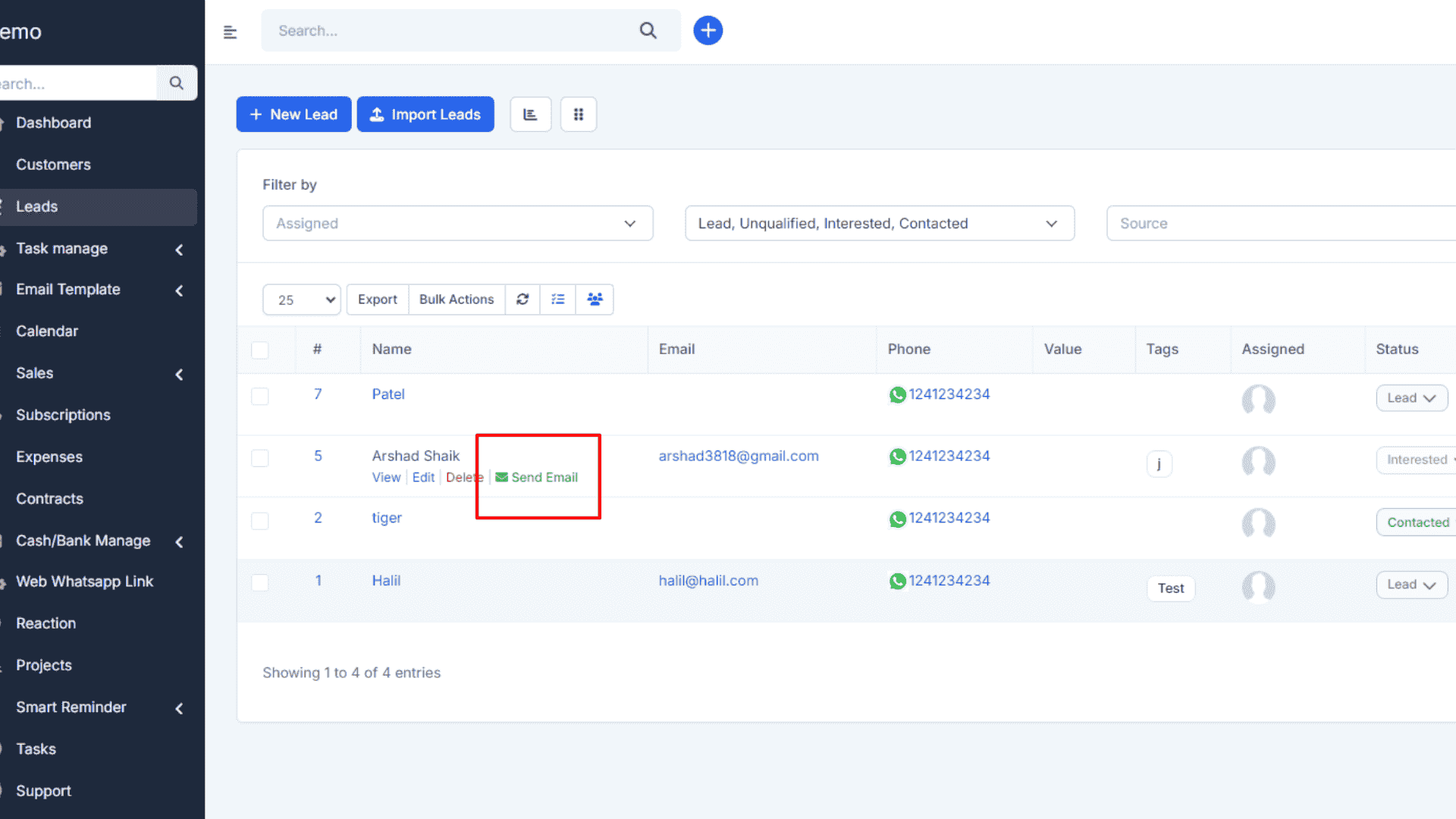
Email Template Manage Module For CRM

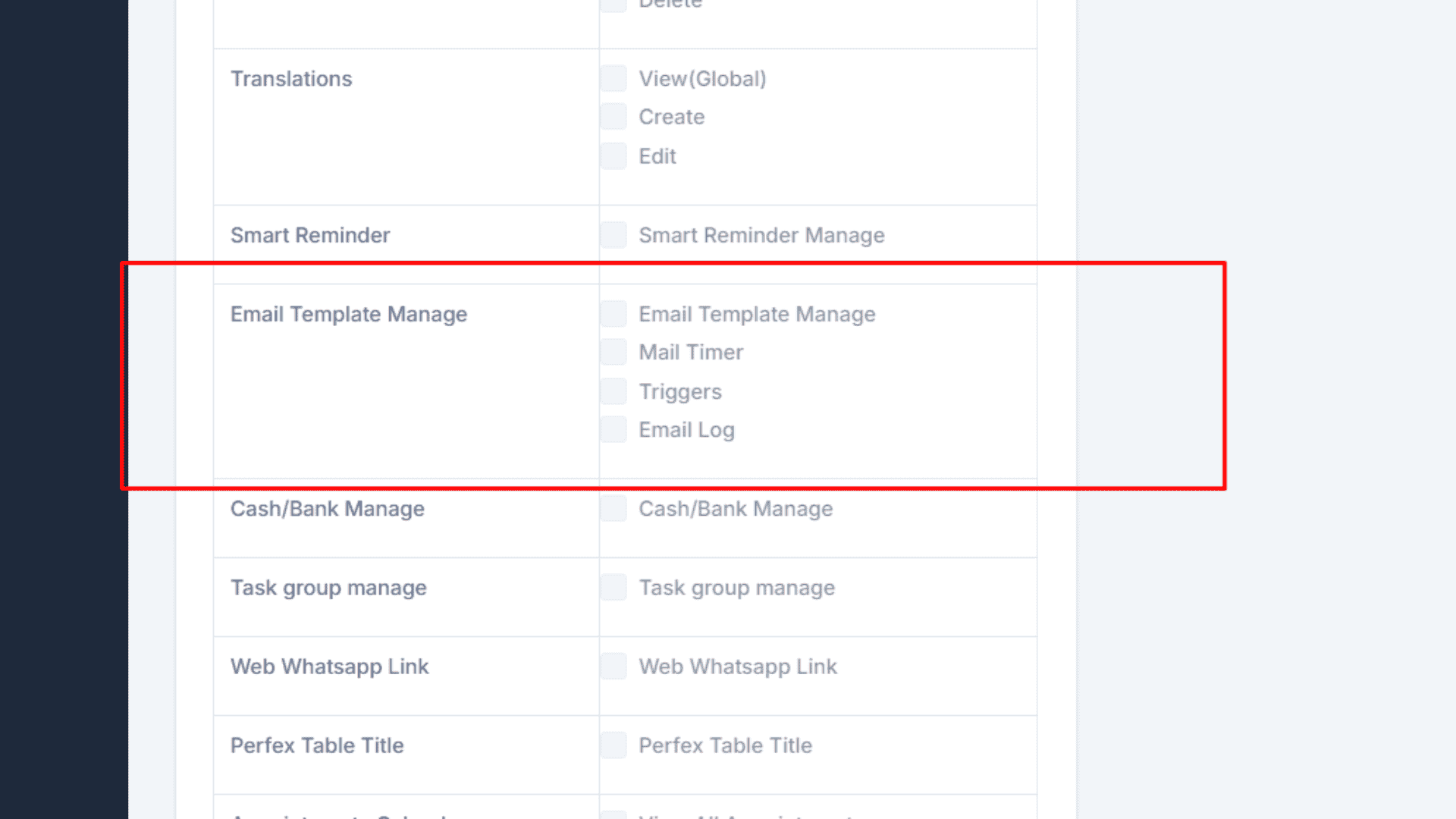
Email Template Manage Module for CRM
In today’s fast-paced business world, communication plays a critical role in building and maintaining customer relationships. Emails remain one of the most widely used communication tools in customer relationship management (CRM). However, creating, managing, and personalizing emails manually for different customer interactions can become time-consuming and error-prone. This is where the Email Template Manage Module for CRM comes into play. It empowers businesses to streamline their communication processes by providing ready-to-use, customizable, and automated email templates designed for various customer scenarios.
Introduction to the Email Template Manage Module
The Email Template Manage Module for CRM is a powerful feature that allows organizations to create, organize, and utilize email templates within their CRM system. It helps in maintaining consistent communication, saves time, and ensures that every interaction with customers aligns with the company’s tone, brand guidelines, and messaging strategy. Instead of drafting new emails every time, teams can use pre-approved templates to engage with prospects, leads, and existing customers more effectively.
Why Your Business Needs an Email Template Module in CRM
Businesses often send thousands of emails each month, including welcome emails, promotional offers, payment reminders, feedback requests, and support responses. Without a proper system to manage these communications, there is a high risk of inconsistency, delays, and mistakes. The Email Template Manage Module solves these problems by centralizing email content management, making it easier for sales, marketing, and support teams to deliver messages that are consistent, professional, and impactful.
Core Features of the Email Template Manage Module
The Email Template Manage Module for CRM is packed with features that simplify communication workflows. Some of the most important ones include:
1. Centralized Template Library
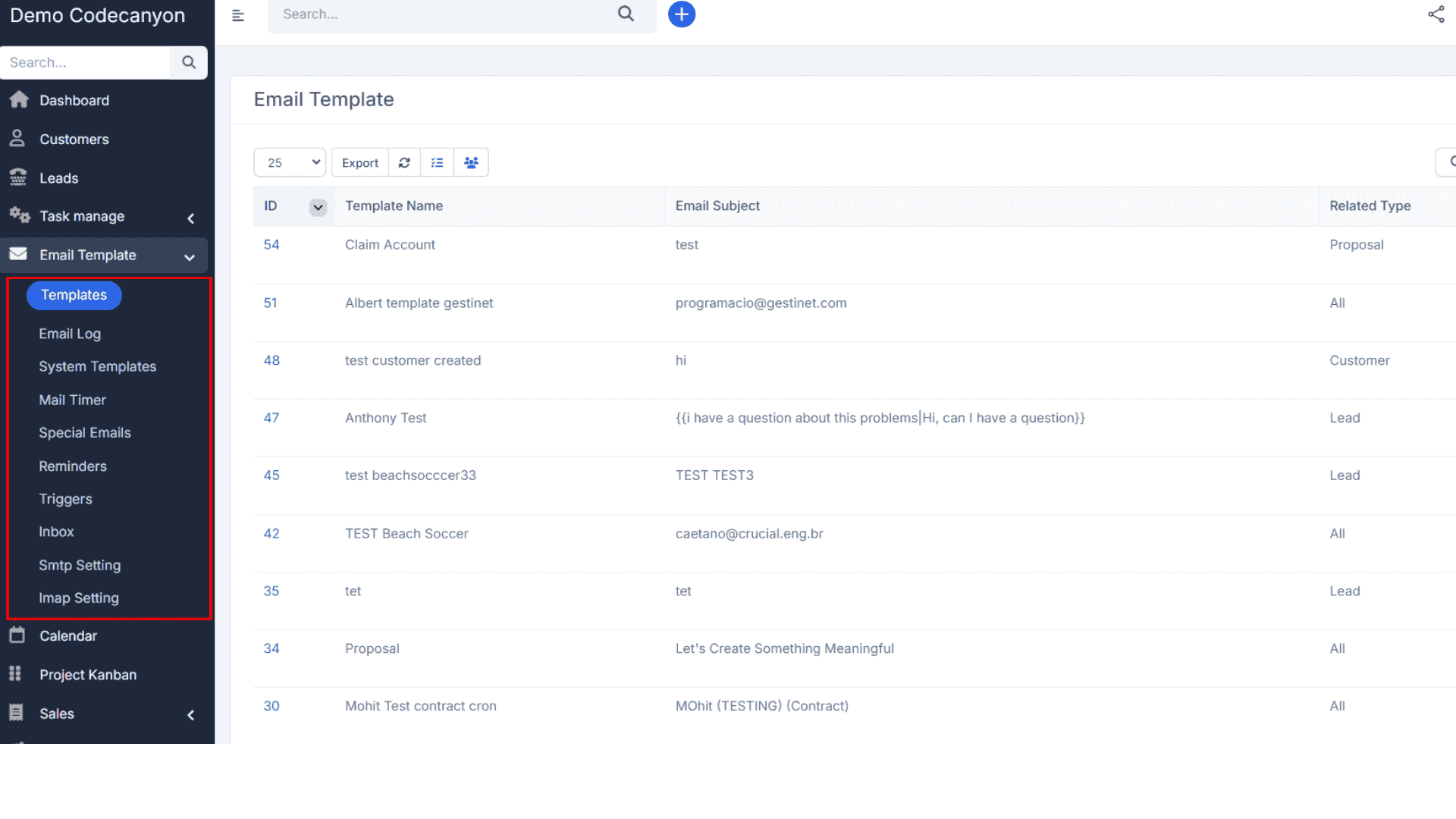
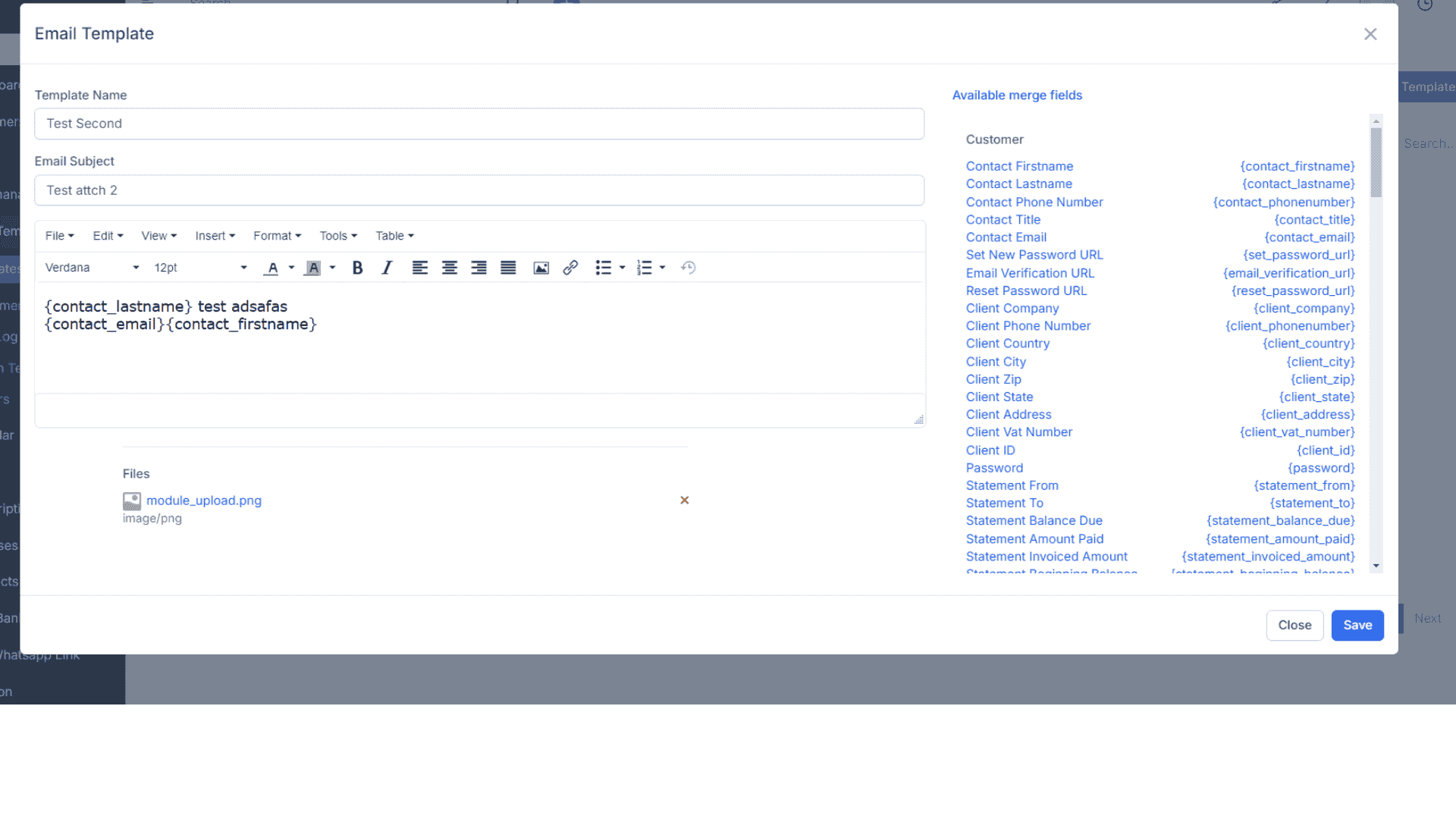
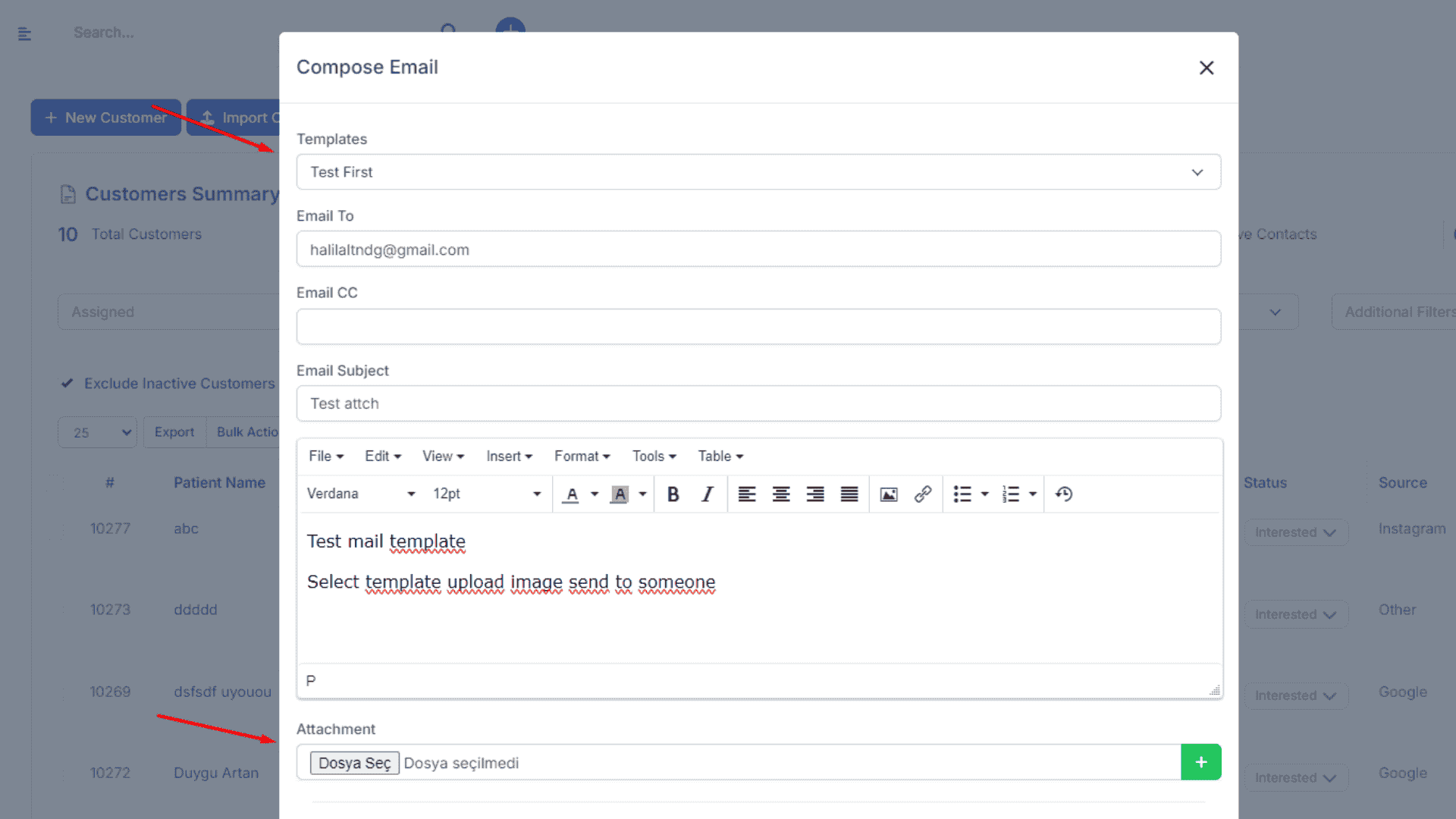
Businesses can create and store a library of email templates accessible to all authorized CRM users. This ensures that sales representatives, marketing teams, and support agents can quickly select the right template for customer communication.
2. Personalization Options
One of the biggest strengths of CRM-integrated email templates is personalization. Templates can include dynamic placeholders (such as customer name, company, product, or invoice details), which automatically get filled with relevant information. This makes every email feel unique and customer-centric.
3. Drag-and-Drop Email Builder
Many modern CRM systems support visual email editors, allowing users to design professional-looking templates with drag-and-drop tools. This eliminates the need for coding skills and gives marketers full creative control over email layouts.
4. Pre-Built Templates for Common Use Cases
The module often comes with ready-made templates for common business scenarios, such as welcome emails, lead follow-ups, newsletters, appointment confirmations, and thank-you notes. These templates can be customized to match the company’s brand identity.
5. Multi-Language Support
For businesses serving global customers, the module can store and manage email templates in multiple languages, ensuring seamless communication across different regions.
6. Compliance and Legal Alignment
To comply with GDPR, CAN-SPAM, and other data privacy regulations, the email template management system can include unsubscribe links, disclaimers, and opt-in confirmations. This reduces legal risks and builds customer trust.
Benefits of Using Email Template Management in CRM
Implementing an Email Template Manage Module offers numerous advantages for organizations of all sizes.
First, it saves time by eliminating the need to draft emails from scratch for every customer interaction. With pre-approved templates, staff can send responses faster, improving efficiency and productivity.
Second, it ensures consistency in brand communication. Regardless of which team member is sending the email, customers always receive messages aligned with the company’s tone and values.
Third, it improves personalization at scale. By combining templates with CRM data, businesses can deliver highly targeted and personalized emails that resonate with customers. This leads to better engagement and higher conversion rates.
Fourth, it enhances professionalism. Well-designed templates give customers the impression that the company values communication, resulting in stronger trust and long-term relationships.
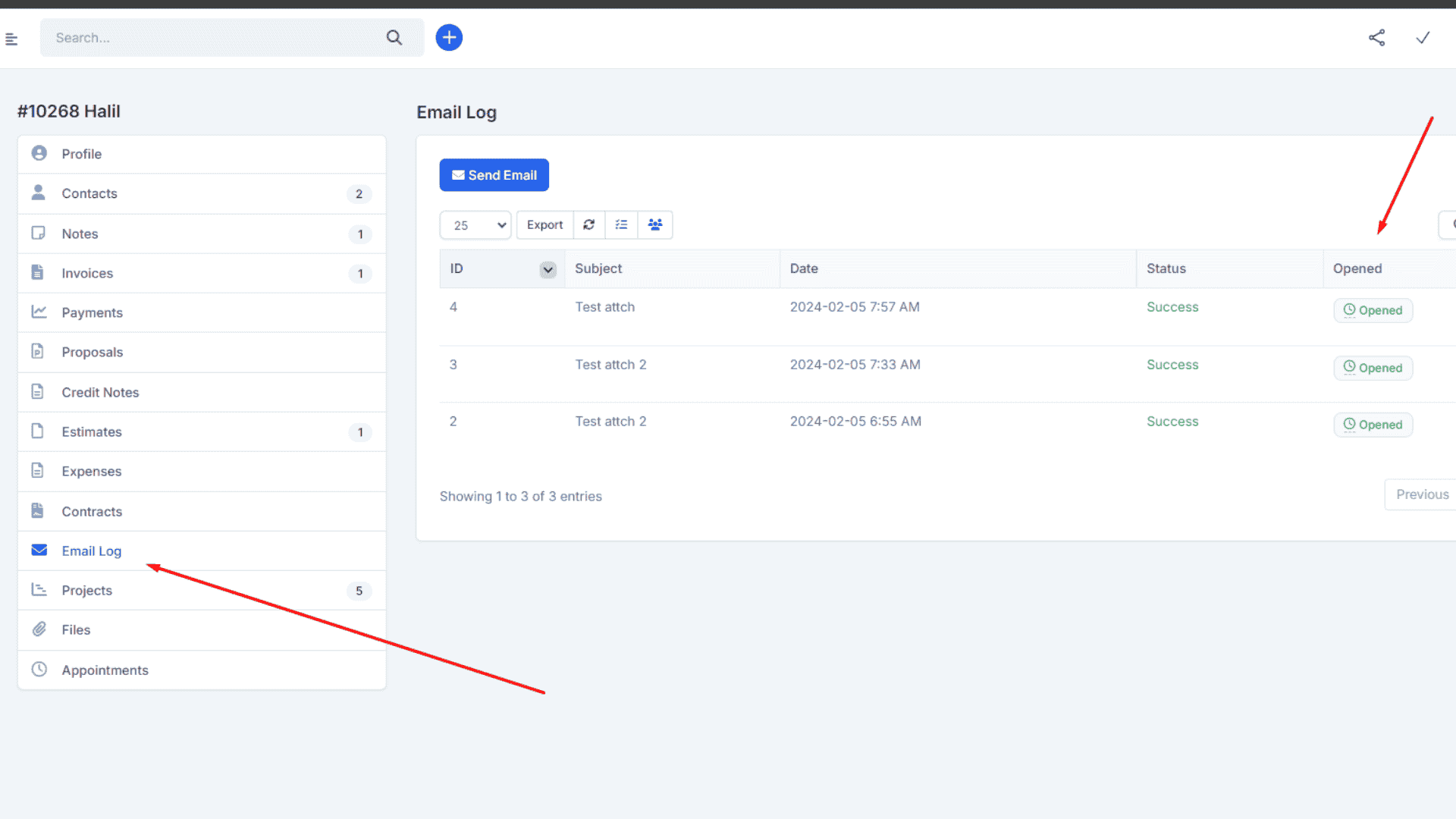
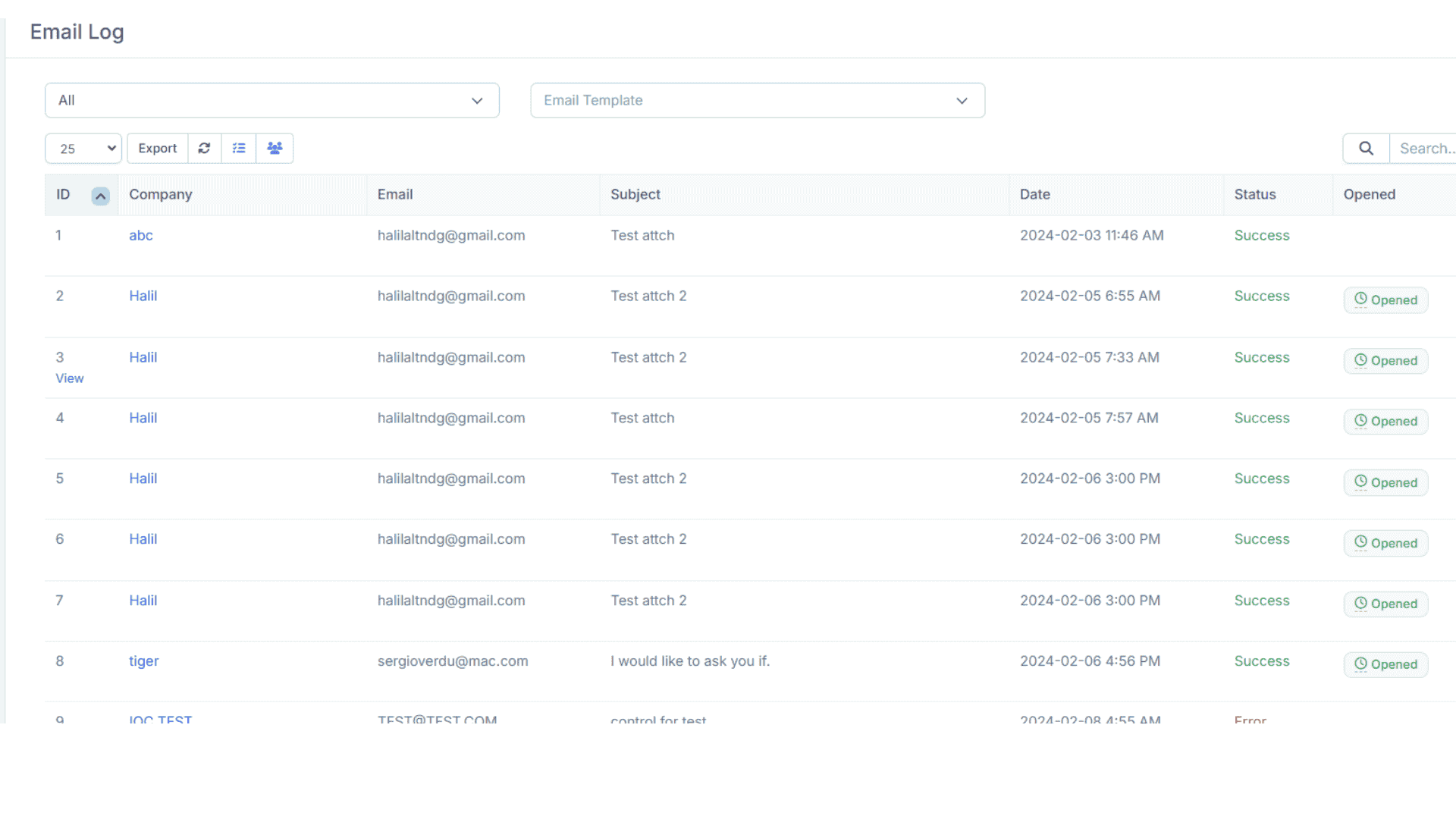
Finally, it supports analytics and reporting. The CRM can track open rates, click-through rates, and response rates for emails sent via templates, helping businesses measure success and optimize campaigns.
Use Cases of the Email Template Manage Module
This module is applicable across different business functions:
In sales, email templates can be used for lead nurturing, appointment reminders, and follow-up messages after meetings. In marketing, templates support newsletters, product promotions, and seasonal campaigns. In customer support, templates help standardize responses to common queries, complaint resolutions, and ticket updates. In finance and operations, templates can be used for invoices, payment reminders, and subscription renewals.
Integration with Other CRM Modules
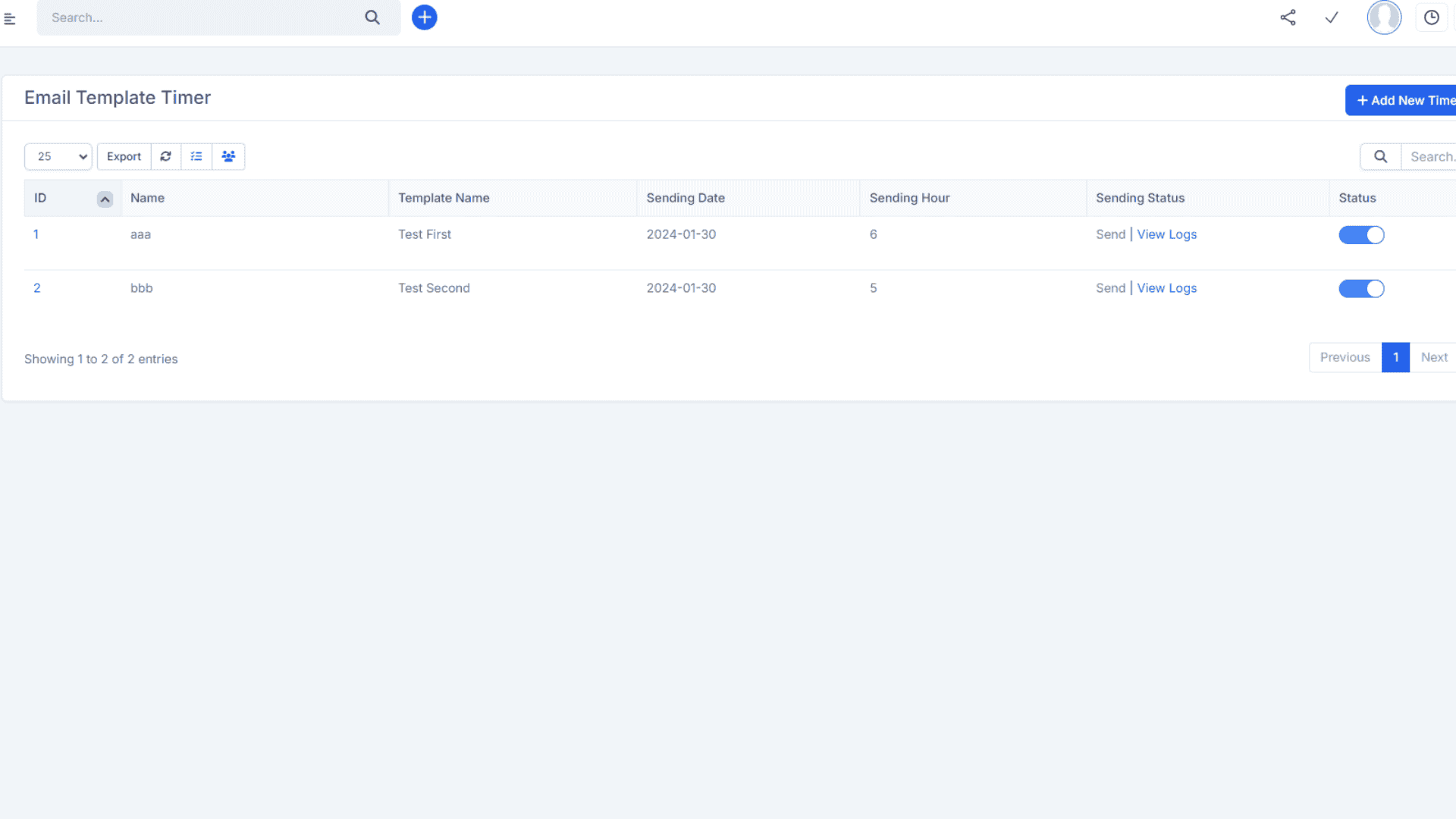
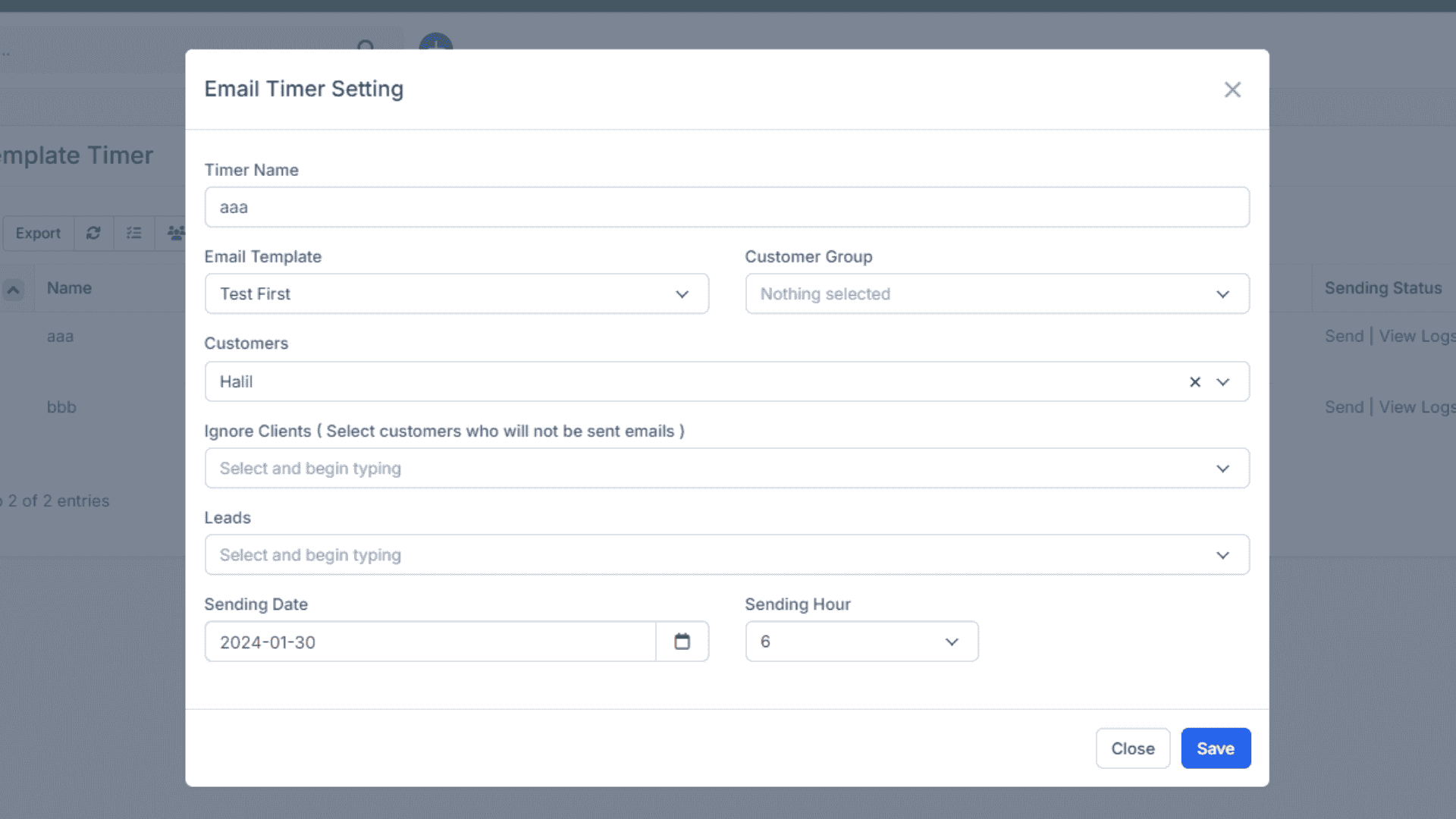
The Email Template Manage Module is even more powerful when integrated with other CRM features. For example, integrating with the Campaign Management Module allows businesses to launch bulk email campaigns using pre-designed templates. Connecting with the Customer Segmentation Module ensures that specific templates are sent to targeted customer groups. Linking with the Automation Module helps trigger automatic email responses based on customer actions, such as signing up, making a purchase, or submitting a ticket.
Best Practices for Using the Email Template Manage Module
To get the most out of this module, businesses should follow best practices. Keep templates simple and mobile-friendly, since many customers access emails on smartphones. Regularly update templates to reflect new products, promotions, or brand changes. Test templates with A/B testing to understand which subject lines, designs, or messages perform better. Also, avoid overloading templates with text and instead use a balance of visuals, CTAs, and concise messages.
Conclusion
The Email Template Manage Module for CRM is a game-changing feature that allows businesses to streamline communication, maintain consistency, and personalize customer interactions. By combining automation, customization, and centralization, this module ensures that companies save time, enhance professionalism, and drive better results from their email marketing and communication efforts. For businesses looking to scale their customer engagement, this module is not just a convenience—it is a necessity.
Build a Clear Roadmap to Online Growth
Build a Clear Roadmap
.png)