Document Management module for CRM

Document Management Module for CRM
In today’s fast-paced digital world, businesses deal with enormous amounts of documents every single day. From contracts, invoices, agreements, proposals, compliance papers, to internal memos—documents are the lifeblood of operations. Yet, the challenge arises when organizations struggle with scattered storage, data silos, and poor accessibility. That’s where a Document Management Module integrated into a CRM like Perfex or custom CRM solutions becomes a game-changer. It centralizes all files, automates workflows, ensures compliance, and improves collaboration. In this blog, we at TT Infotechs will take you on a deep dive into how a Document Management Module for CRM works, its features, architecture, benefits, and why it is critical for modern enterprises.
What is a Document Management Module in CRM?
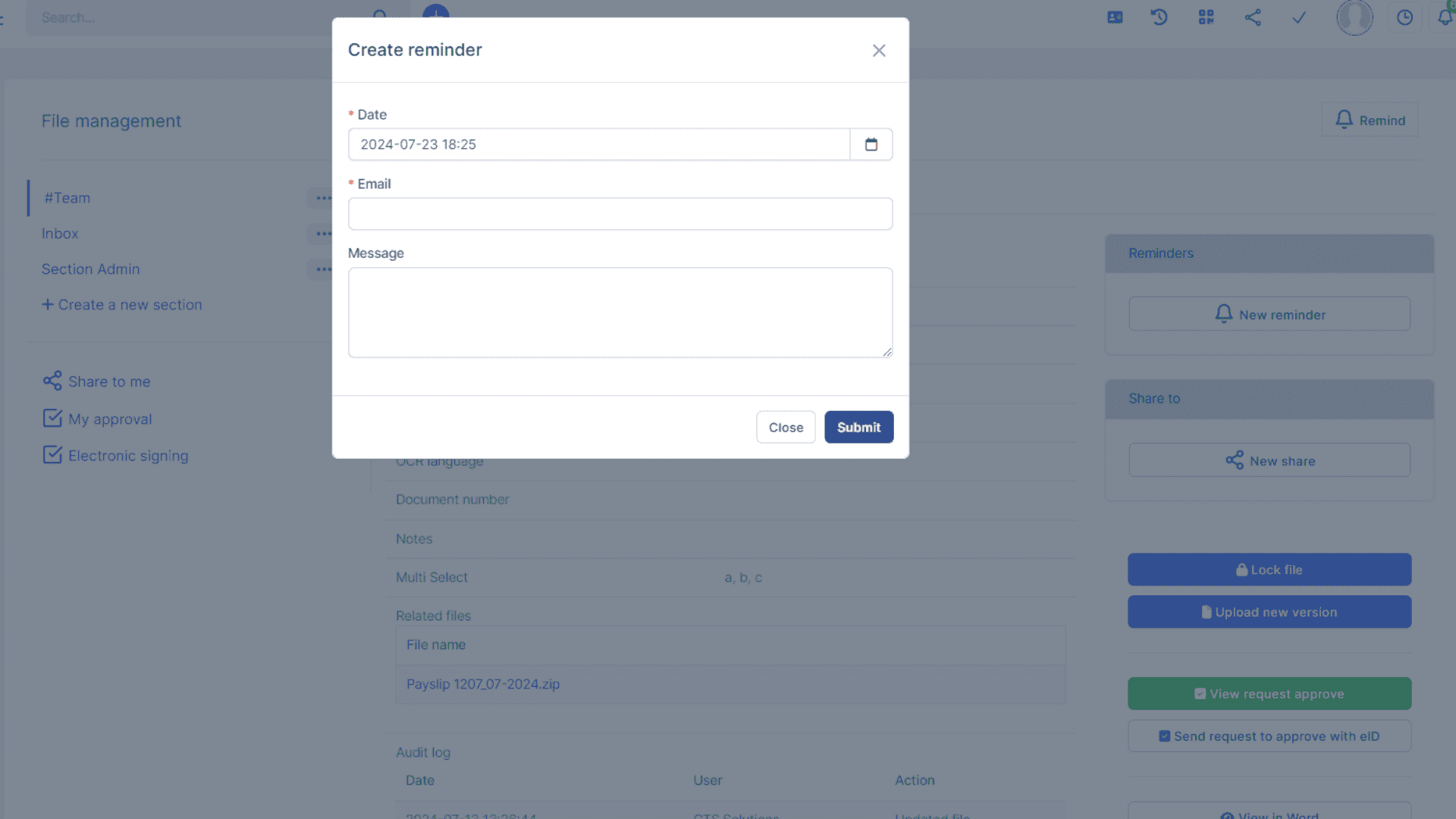
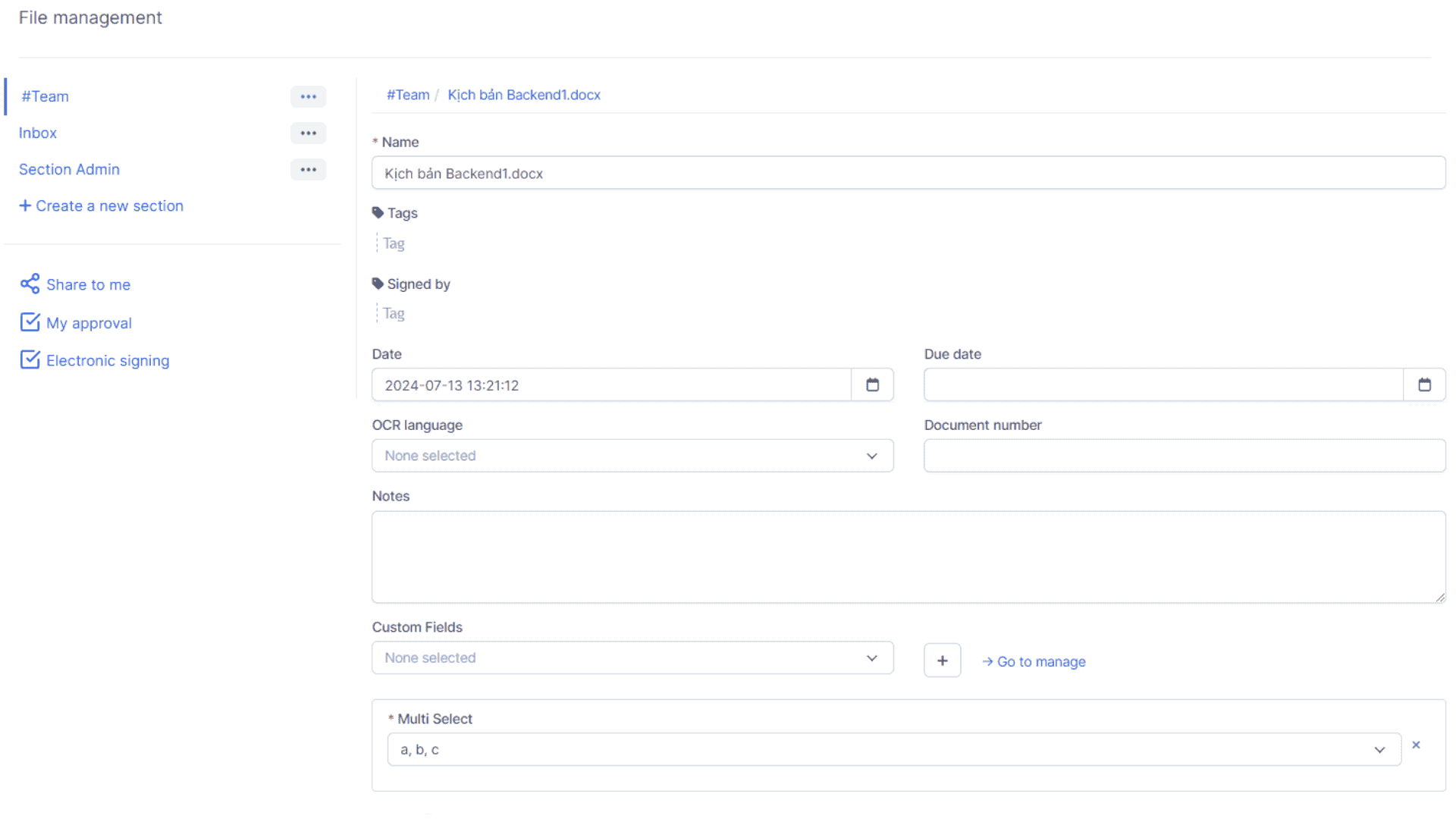
A Document Management Module (DMM) in CRM is a software layer that allows businesses to upload, organize, secure, share, and track documents directly inside their CRM platform. Instead of relying on third-party storage solutions or traditional file cabinets, this module turns your CRM into a single source of truth where customer data and related documents are tightly integrated. For instance, when your sales team uploads a signed contract, it automatically links with the customer record. Likewise, support teams can attach troubleshooting manuals to tickets, ensuring every department has quick access to relevant information.
Core Features of Document Management Module
The Document Management Module is packed with features that streamline how businesses deal with files. Let’s break them down.
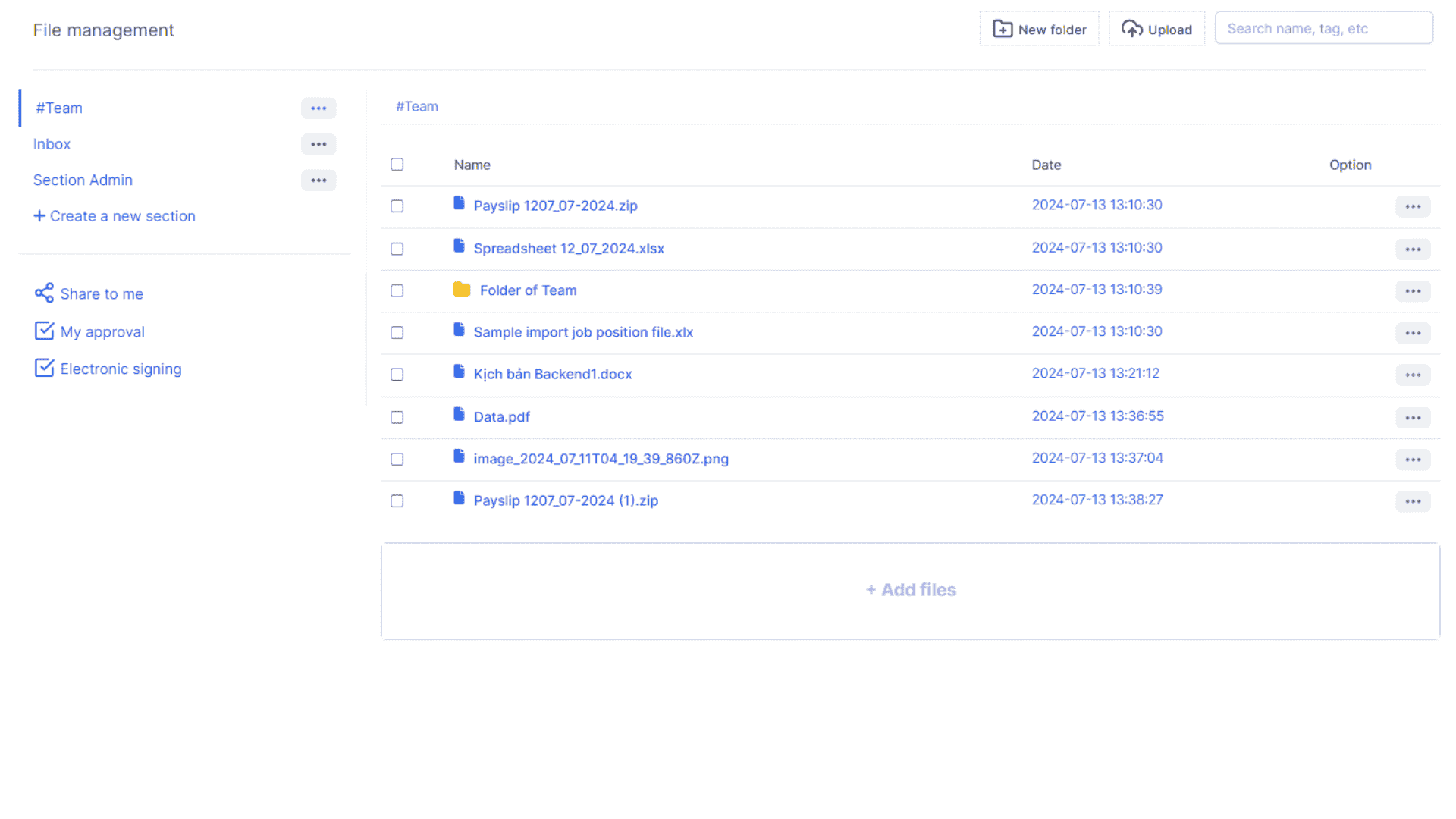
1. Centralized Repository
All documents—contracts, presentations, invoices, purchase orders—are stored in one unified place inside the CRM. No more jumping between email threads, cloud drives, and desktops.
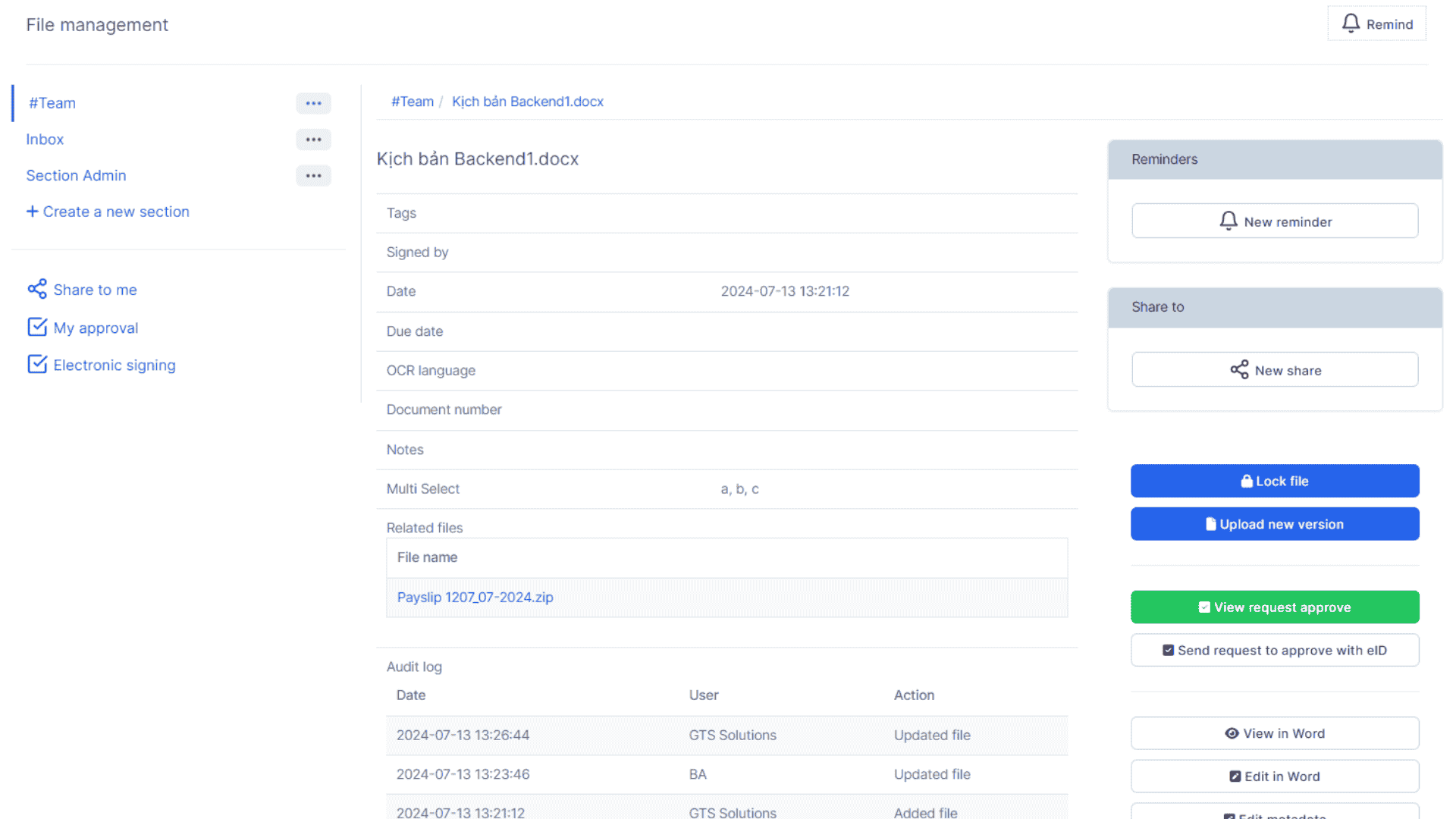
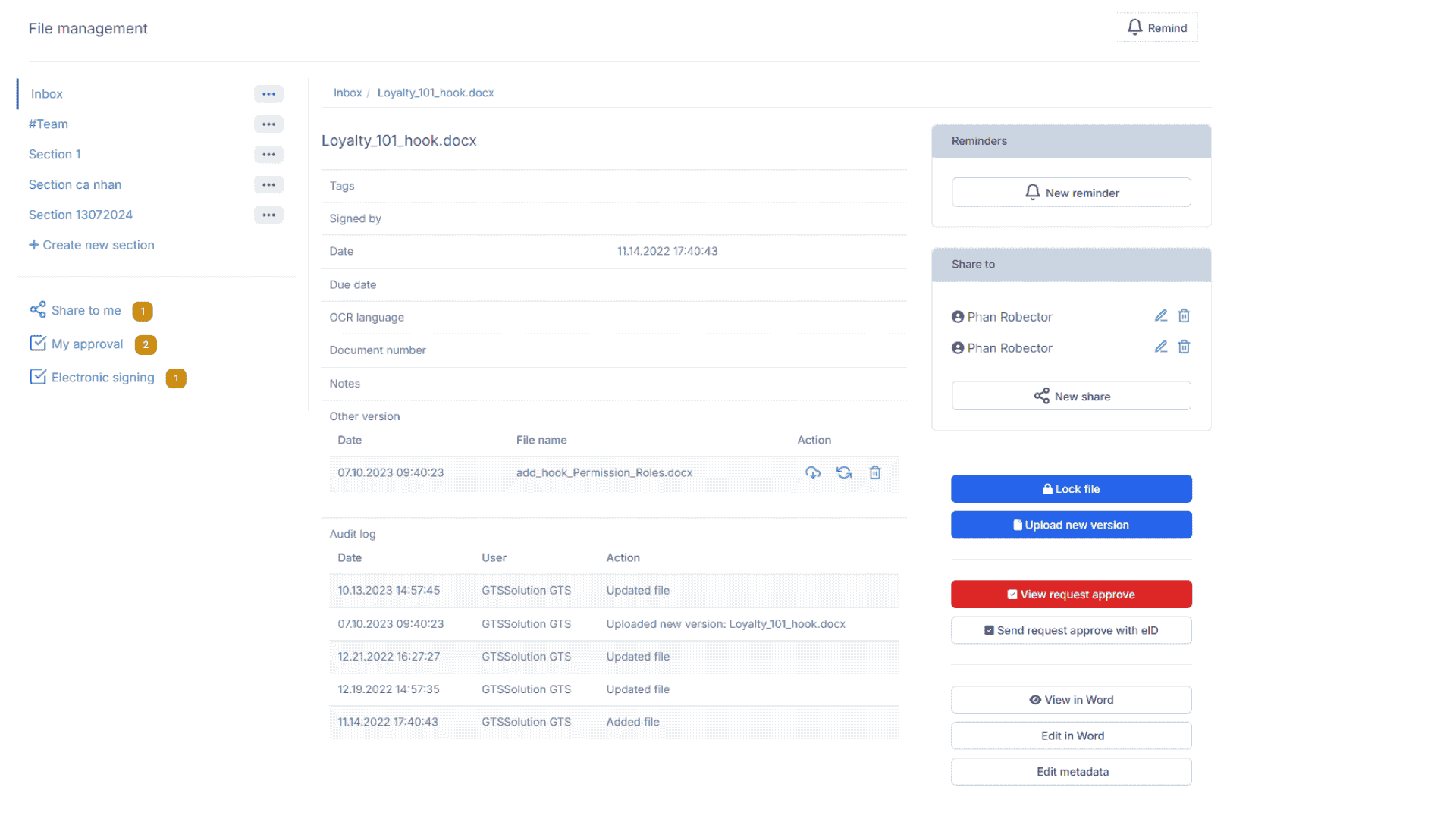
2. Version Control
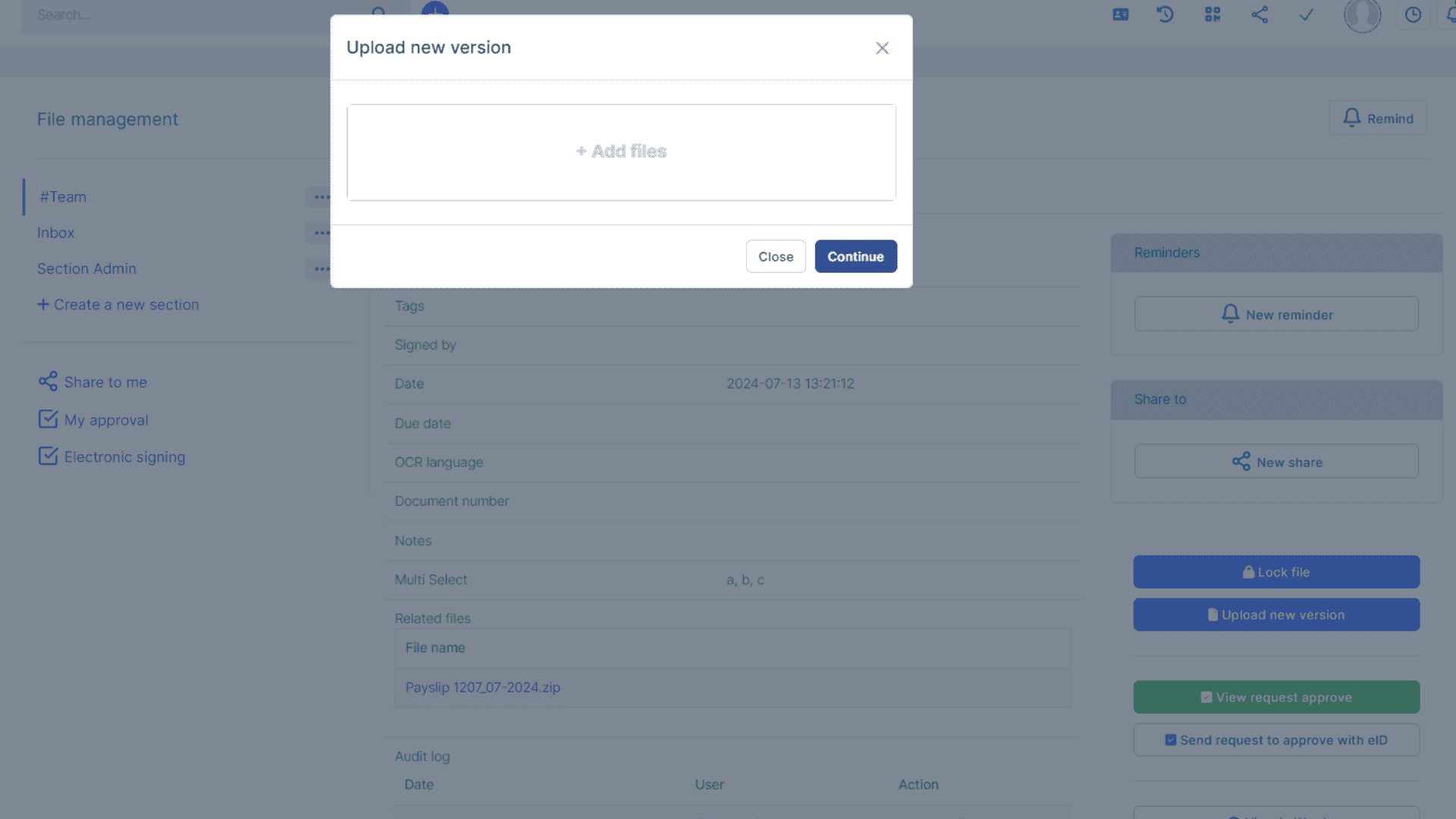
The module tracks changes and stores different versions of a document. This ensures teams always work on the latest file while maintaining a history of edits for compliance and accountability.
3. Role-Based Access Control
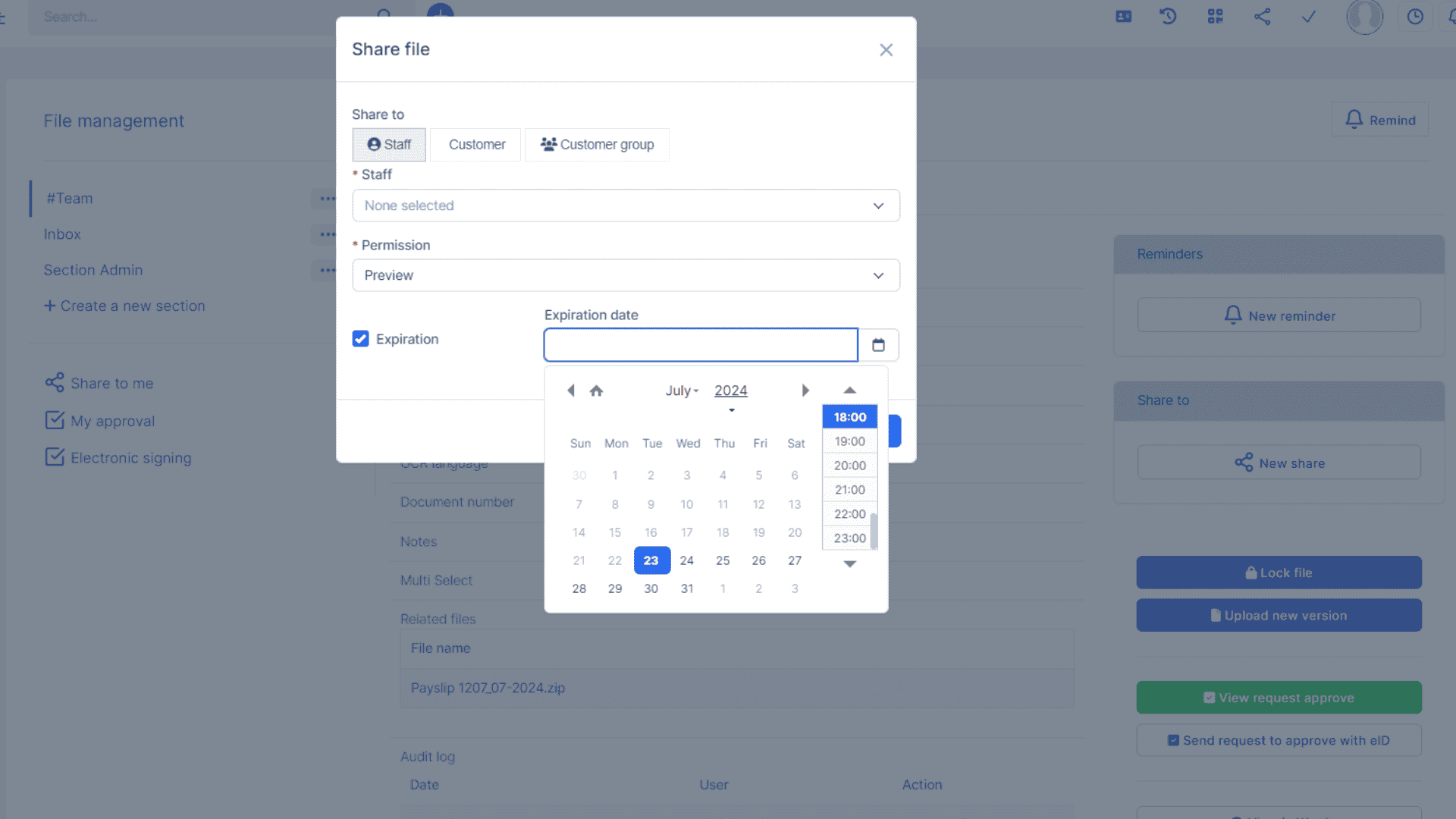
Not all employees should have access to sensitive contracts. With access control, admins can set who views, edits, or downloads documents. Security is key when handling business-critical data.
4. Full-Text Search
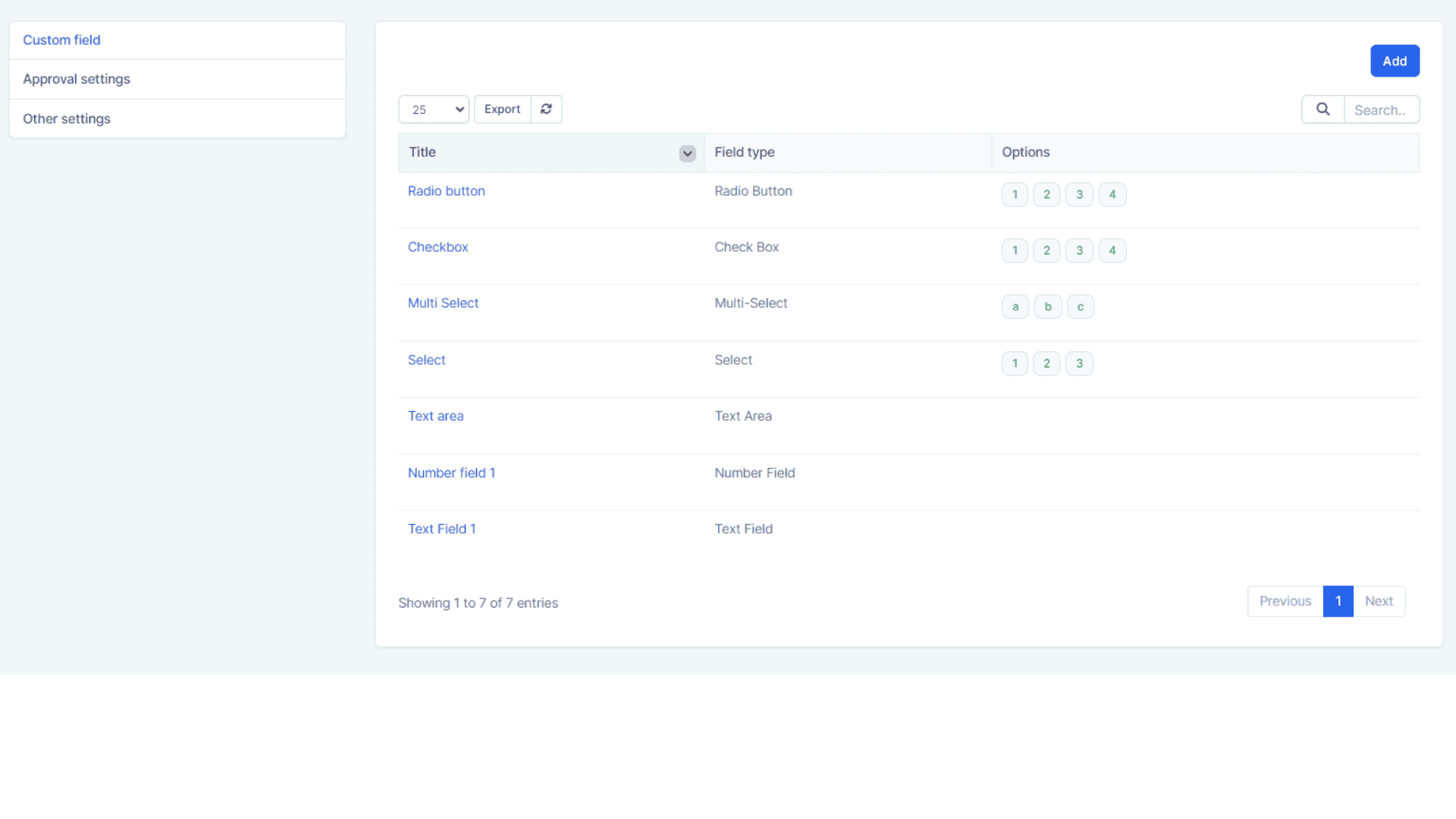
Instead of manually browsing through folders, advanced search allows users to find documents instantly using keywords, tags, or metadata.
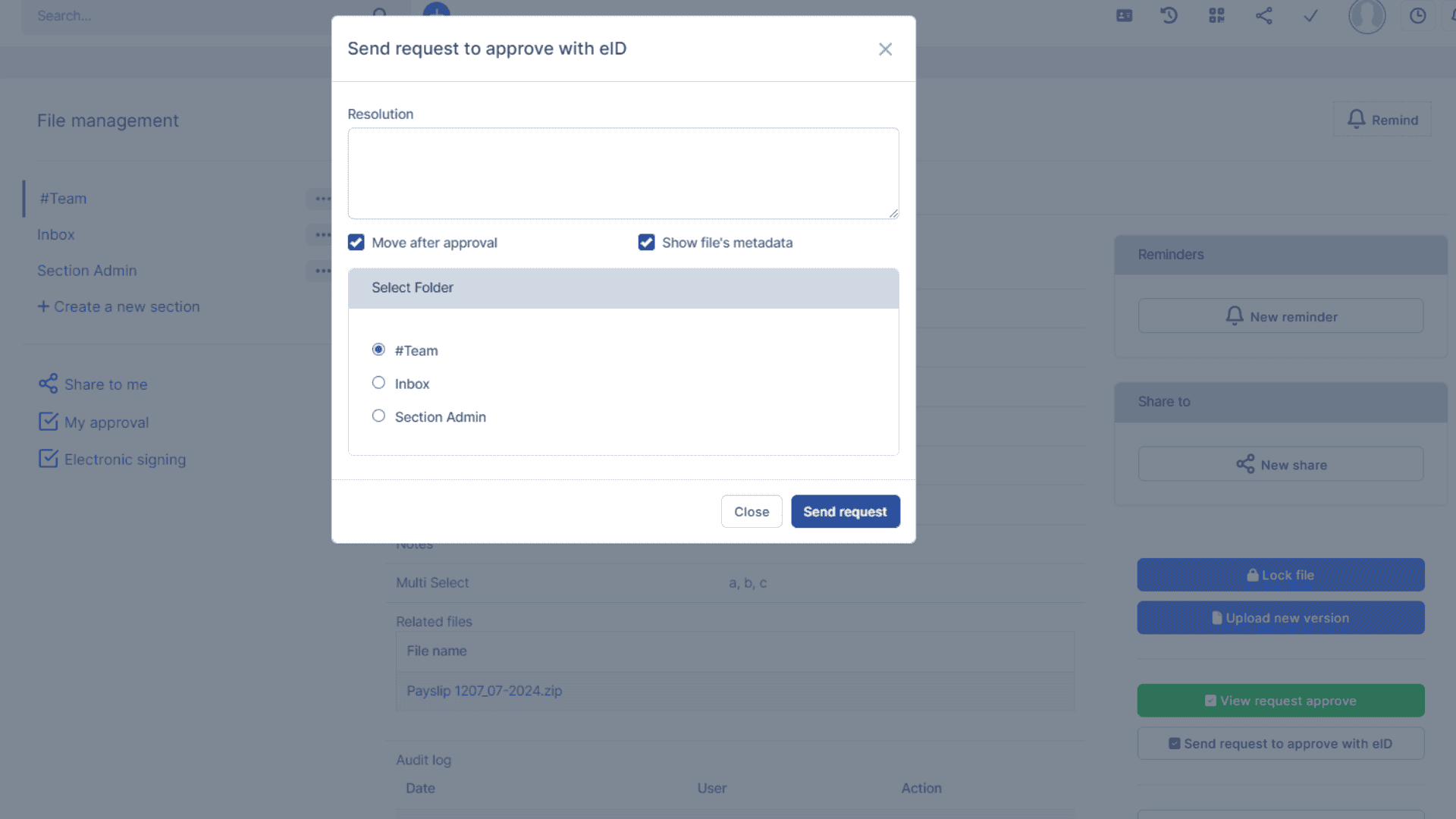
5. Automated Workflows
Imagine automatically routing a contract to the legal department for approval, then sending it to finance for invoicing—all triggered by workflow automation. This saves countless hours.
6. Audit Trail & Compliance
Every action—upload, edit, delete, share—is logged. This audit trail is critical for compliance with regulations like GDPR, HIPAA, and ISO standards.
7. Integration with Email & Cloud
The module integrates with email clients (Gmail, Outlook) and cloud drives (Google Drive, Dropbox, OneDrive) ensuring seamless movement of documents between systems.
Why Businesses Need Document Management in CRM
Traditional methods of storing files—like local servers, physical filing cabinets, or even standalone cloud drives—fail when it comes to collaboration, security, and scalability. A Document Management Module inside CRM solves these issues by ensuring:
- Sales teams have quick access to client proposals. - Customer support can attach troubleshooting guides to tickets. - HR can manage employee records securely. - Finance can track invoices and contracts in one place.
Technical Architecture of Document Management Module
A robust Document Management Module consists of three core layers: storage, middleware, and presentation.
1. Storage Layer
This is where the actual files reside—on local servers, cloud services like AWS S3, or hybrid storage depending on the organization’s infrastructure.
2. Middleware Layer
Responsible for business logic—like access permissions, workflow routing, encryption, and indexing for search.
3. Presentation Layer
The user interface inside the CRM where users upload, edit, and collaborate on documents.
Use Cases Across Industries
- **Healthcare:** Manage patient records, lab results, prescriptions. - **Finance:** Securely handle KYC documents, contracts, loan papers. - **Legal:** Store case files, legal opinions, agreements. - **Real Estate:** Manage property documents, lease agreements, compliance files. - **Education:** Store student records, assignments, certifications.
Benefits of Document Management Module
- Improved productivity by reducing document retrieval time. - Reduced operational costs due to paperless workflows. - Enhanced data security and compliance. - Better collaboration across departments. - Integration with CRM ensures customer and document data are linked.
Future of Document Management in CRM
The next generation of Document Management Modules will rely on Artificial Intelligence and Machine Learning. AI can auto-tag documents, predict workflows, flag compliance issues, and even summarize lengthy contracts. Blockchain can add another layer of security and authenticity to documents by preventing tampering.
Conclusion
A Document Management Module for CRM is not just a feature—it is a necessity for businesses that want to operate efficiently, securely, and competitively. It integrates the power of file management with customer data, driving seamless collaboration and automation. At TT Infotechs, we specialize in building custom CRM solutions with advanced modules like Document Management, ensuring that organizations can achieve digital transformation with confidence.
Build a Clear Roadmap to Online Growth
Build a Clear Roadmap
Optimize Your Strategy
Thrive with Data
Thrive with Data
Thrive with Data
Thrive with Data